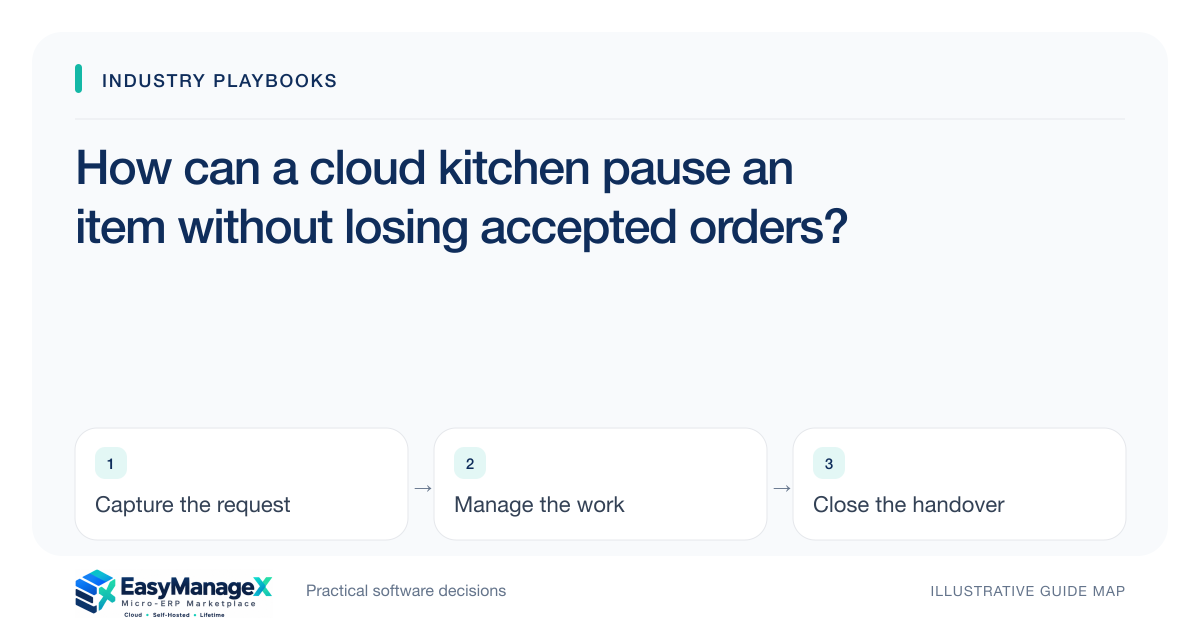
Pausing a cloud-kitchen menu item should affect new availability without erasing accepted customer orders. Record why the item is paused, which channels and preparation stations are affected, and who confirms the change. Review outstanding orders separately, communicate authorised outcomes and check that every relevant ordering channel reflects the intended pause before considering the task complete.
- Menu availability and accepted-order obligations are separate.
- Channel updates need confirmation, not only dispatch.
- Outstanding orders require named operational decisions.
Identify where the same item is offered
List the channels and menus through which customers can order the item. Names and identifiers may differ across channels, so maintain a mapping that staff can actually recognise. A pause applied to one visible menu may leave the same product available through another listing.
Record the preparation station and the owner responsible for the pause. Ingredient availability and station capacity can create different constraints. A useful record names the affected offering and review condition rather than storing a general kitchen note that no channel operator knows how to apply.
Separate new orders from accepted tickets
A menu pause is a decision about accepting further demand. Existing tickets need their own review of what can still be fulfilled. Keep the original ticket and preparation state visible so staff do not assume that hiding a menu item also resolves a customer’s already accepted order.
Give unresolved tickets an authorised owner and next action. If a customer outcome requires a channel decision, retain the channel reference. Avoid silently removing a line from the local kitchen record while the external order still presents the original commitment to the customer.
Track the availability change to confirmation
For each channel, record requested update, confirmed update and any failure requiring intervention. A submitted request may be delayed or rejected. Staff need a practical way to verify the live availability state before describing the pause as complete.
Set a review condition for reopening. It could involve confirmed replenishment or the station owner’s capacity decision under the kitchen’s process. Do not automatically restore availability merely because a chosen time has passed if the underlying constraint remains unresolved.
Illustrative scenario: an ingredient becomes unavailable
Consider a kitchen that identifies a shortage affecting one popular bowl. The station owner pauses new availability and reviews accepted tickets. Two channels confirm the update, while a third requires follow-up, so the channel operator keeps that exception visible.
Accepted tickets remain linked to their customer decisions rather than disappearing from the preparation list. This illustrative scenario concerns menu and order coordination only; ingredient substitutions and food handling must follow the kitchen’s established procedures and responsible qualified personnel.
Keep reopening and incident review connected
When the owner approves reopening, record the reason and confirm the relevant channel updates again. The earlier pause should remain traceable. Staff can then explain whether a customer ordered before the pause, during a channel delay or after availability was intentionally restored.
Review repeated pause causes using actual records. A procurement problem requires different follow-up from an overloaded station or incorrect channel mapping. Separating these reasons makes the discussion more useful than a single total of unavailable minutes or cancelled orders.
Evaluate with a failed channel update
Use a demonstration where an item is offered under different identifiers, one availability update fails and accepted tickets remain in progress. Ask how staff confirm the live pause and how the station sees unresolved customer decisions after the menu changes.
EasyManageX concepts are illustrative. Confirm each channel integration and failure route independently rather than inferring multi-channel support from a product description. Your requirements should name menu identifiers, acknowledgement evidence and the authorised reopening owner.
Your working checklist
- Map menu items to each ordering channel.
- Assign station and channel-update owners.
- Keep accepted tickets outside the pause decision.
- Track update confirmation and failures.
- Define reopening conditions and authority.
- Test a pause with one channel still available.
Common questions
Does pausing an item cancel existing orders?+
Treat existing orders as a separate queue requiring authorised operational and customer decisions. A pause usually concerns further availability, while accepted tickets already carry their own references and preparation state. Preserve those records and follow the relevant channel process for any confirmed change.
How can we verify a menu update?+
Record the channel’s authoritative result and, where your process requires it, inspect the live listing. A local button click or submitted request does not establish the final state. Keep failures assigned to an owner and confirm reopening with the same attention as the original pause.
What should trigger reopening?+
Use a condition approved by the responsible kitchen owner, such as confirmed replenishment or a resolved capacity constraint. A timer can remind staff to review the item, but it should not manufacture evidence that the issue has ended or that every channel is ready.
Sources and further reading
These primary references explain relevant concepts. Our scenarios and working checklists are original, illustrative guidance.
- AWS Well-Architected Reliability Pillar
Reliability principles for handling failed changes and recovery; relevant to confirming menu availability updates rather than assuming dispatch succeeded.
Published by EasyManageX as practical, AI-assisted guidance. Examples are illustrative. Confirm software capabilities, licence terms and project-specific requirements before committing. Read our editorial policy.