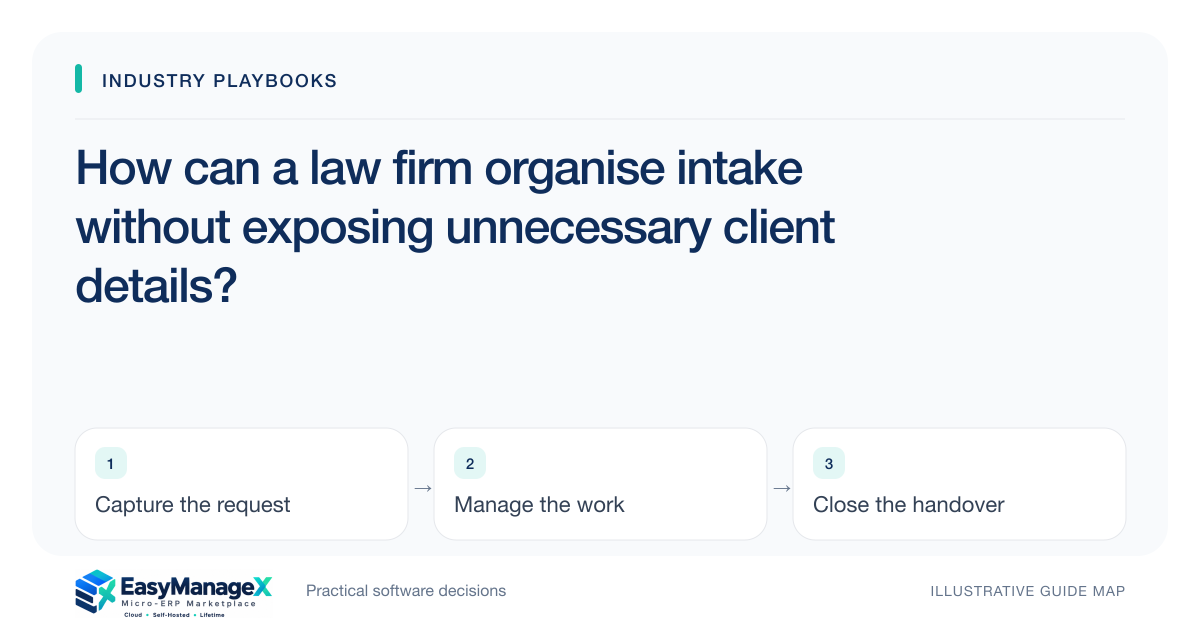
A law-firm intake workflow should collect only the information needed for routing and authorised review, with confidential supporting material kept under appropriate restricted access. Separate the enquiry, review tasks and engagement decision. Staff handling routine follow-up need an actionable reference and owner, while qualified firm personnel determine legal, professional and acceptance obligations for the particular matter.
- Routing data and confidential narrative need different access.
- An enquiry is not automatically an accepted engagement.
- Review exports and search as well as intake screens.
Define the administrative purpose of intake
Start with the questions administrative staff need to route an enquiry: contact channel, broad request category and a reference for follow-up. Do not collect an unrestricted narrative by default simply because a form offers a large text box. The firm’s responsible personnel should define the necessary information.
Assign an intake identifier that survives reassignment and review. Staff can use it to follow up without repeating sensitive details in messages or task titles. Keep the source of the enquiry and the administrative next action distinguishable from any later professional assessment.
Separate restricted supporting information
Supporting material may need a different access boundary from routine contact and scheduling fields. Define who can receive, review and share it under the firm’s established procedures. Avoid copying attachments into general project folders or broadly visible task notes for convenience.
Verify access using representative accounts, including search, notifications and exports. A restricted field on the main form can still leak through a report. The operational design should help staff perform their assigned follow-up without exposing the full confidential narrative to unrelated roles.
Represent review and engagement decisions explicitly
An enquiry may require several authorised reviews before the firm decides how to proceed. Track the administrative tasks and responsible owners without prescribing their professional content. A scheduled conversation or received document should not automatically mark the matter as accepted.
Keep acceptance, decline, further-information and referral outcomes distinguishable according to the firm’s confirmed process. Record the authorised decision reference and communication owner. Qualified firm personnel must determine applicable legal and professional obligations; the workflow should preserve their decisions rather than infer them.
Illustrative scenario: intake is reassigned internally
Imagine a prospective client contacts a general office address. Administrative staff create an intake reference and route a restricted review task to the designated person. The scheduling employee sees the appointment instruction and contact details needed for follow-up, but not every supporting attachment.
When the firm records its authorised next-step decision, the communication owner updates the enquiry. This illustrative scenario describes access and task routing only. It does not provide legal advice, establish privilege or determine conflict, engagement or professional obligations for a real matter.
Keep communication and retention deliberate
Routine messages should identify the intake reference and necessary next action without reproducing confidential contents. Define which channel staff use and how returned or misdirected communications are reviewed. Preserve the decision and contact history needed to explain the administrative sequence.
Retention and removal require the firm’s applicable policies and qualified guidance. The software should support a documented owner and process rather than keep every enquiry forever by default. Review duplicate attachments and unnecessary notes before importing historical intake spreadsheets.
Evaluate from a limited-access account
Ask a demonstrator to create an enquiry, attach restricted material, reassign review and schedule a follow-up. Then use a routine administrative account to inspect search, notifications and export. The employee should be able to act without receiving unrelated sensitive content.
EasyManageX listings are illustrative. Confirm permission behaviour and decision states through evidence and the firm’s responsible personnel. A small pilot using fictional records can expose disclosure paths before any real client or prospective-client information enters the workflow.
Your working checklist
- Define necessary administrative intake fields.
- Use references instead of sensitive task titles.
- Separate restricted material from routine contact data.
- Assign authorised review and communication owners.
- Test search, notifications and export permissions.
- Agree retention and removal procedures with responsible personnel.
Common questions
Does an intake record establish an engagement?+
Use the firm’s authorised process and qualified personnel to determine that outcome. A record can preserve an enquiry, received material and next-step decisions without independently establishing professional or legal obligations. Keep administrative states explicit so scheduling or document receipt does not automatically imply acceptance.
Should all staff see the enquiry narrative?+
Define access according to actual duties and the firm’s established confidentiality procedures. Routine scheduling or follow-up can often use a reference and necessary contact fields. Test reports, notifications and search as well as the main record, because those paths may reveal more than intended.
Can software perform the firm’s professional review?+
Software can route tasks, collect authorised references and preserve decisions. The responsible qualified personnel must determine the professional checks and outcomes applicable to the matter. Evaluate the workflow as support for that process rather than treating a status flag as an independent legal conclusion.
Sources and further reading
These primary references explain relevant concepts. Our scenarios and working checklists are original, illustrative guidance.
- OWASP Authorization Cheat Sheet
Access-control principles for restricting supporting intake information and testing permissions; this does not define a law firm’s professional obligations.
- OWASP Logging Cheat Sheet
Further reading on preserving meaningful event history while excluding sensitive information from routine logs.
Published by EasyManageX as practical, AI-assisted guidance. Examples are illustrative. Confirm software capabilities, licence terms and project-specific requirements before committing. Read our editorial policy.