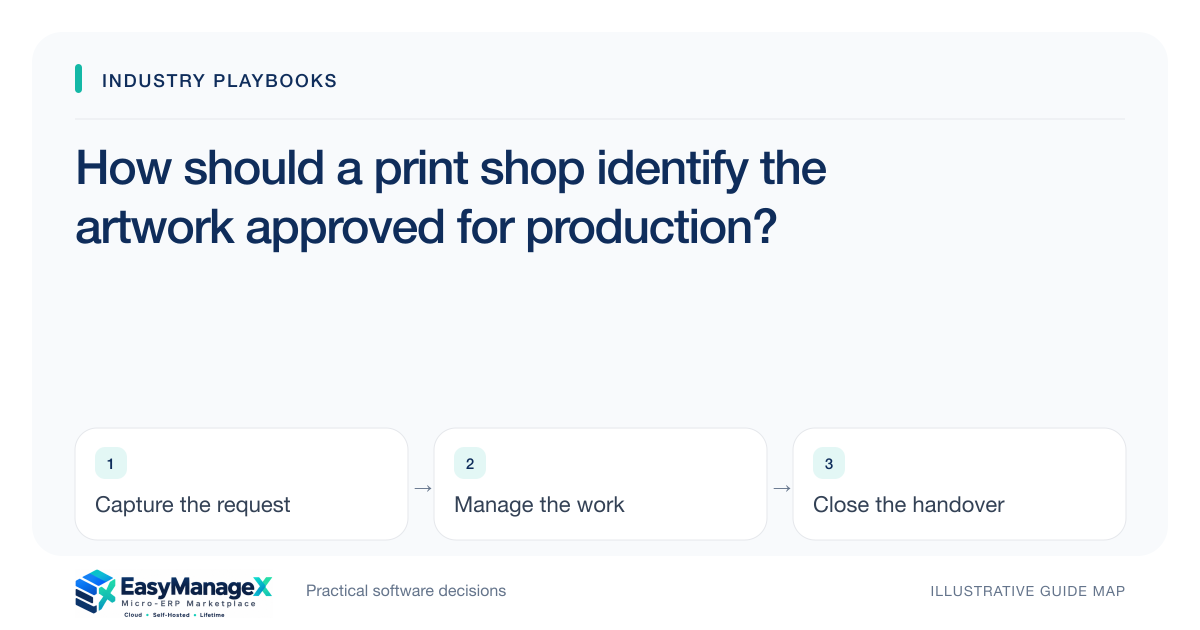
A print shop should release a job against an identified artwork version and recorded approval scope. Store the file reference, proof version, approved specifications and receiving production owner together. A later file is a proposed revision until reviewed and acknowledged, so staff can distinguish the latest upload from the actual version authorised for production.
- The newest upload is not automatically the approved artwork.
- Approval must identify file and specification versions.
- Record production acknowledgement after an authorised revision.
Define the file reference staff will use
Choose an artwork reference that survives uploads, proofs and workshop handoffs. Keep the original filename as context, but assign a version staff can recognise on the job record. Names such as final or final-new are unreliable when several people exchange corrected files.
Link the artwork to the customer job, quantity and confirmed print specifications. A file may be reused across different jobs, but its approval should identify the intended production context. Avoid treating acceptance for one size or quantity as automatic acceptance for a changed job.
Keep proof review separate from file receipt
An uploaded file is received information; proof review is a decision about a presented version. Track both events. Staff should know whether the customer has approved the current proof or merely supplied a correction that still needs the agreed review process.
Capture who authorised the decision, its date and any approved limitations or exceptions. Use the print shop’s established proofing and production procedures for technical checks. The administrative record should preserve those decisions without promising that an approval screen alone establishes technical suitability.
Release the identified version to production
A production release should reference the approved artwork and the applicable specifications. Record the receiving owner’s acknowledgement. If the shop uses downloaded files or printed job cards, include the version reference there so the floor can identify what it actually received.
A revised upload after release needs an effect review. The job owner should identify work already performed and the authorised next step before sending new instructions. Silent file replacement makes a later disagreement difficult to resolve because the record no longer explains the version used.
Illustrative scenario: a brochure receives a new phone number
Imagine a customer supplies a corrected brochure after approving an earlier proof. Some preparation work has already occurred. Staff create a revision request, identify the changed version and obtain the relevant decision before releasing updated instructions to the production owner.
The earlier proof and acknowledgement remain linked to the job. This illustrative scenario explains approval history and handoff; it does not establish print tolerances, intellectual-property rights or the commercial responsibility for a correction submitted after approval.
Resolve conflicting evidence before dispatch
If the workshop file and job record show different versions, pause the administrative handoff and assign a review owner. Compare approval references and actual released files. Do not rename the workshop file to make it appear consistent without recording the source of the discrepancy.
At job completion, retain the approved version and relevant production release references. They provide a practical basis for answering later questions. Keep customer attachments under appropriate access and retention controls instead of copying every supplied file into unrestricted shared folders.
Evaluate a revision after approval
Ask for a demonstration containing an approved proof, a corrected upload and production already underway. The operator should identify the authorised version from the production account and explain what remains pending. Include a mismatched downloaded file to test reconciliation.
EasyManageX entries are illustrative. Confirm file references, approval scope and permission behaviour through your own job examples. A useful initial workflow may be modest, provided it reliably distinguishes received, approved and released versions during the shop’s actual handoffs.
Your working checklist
- Assign artwork and proof version identifiers.
- Link approval to job specifications.
- Separate uploads from confirmed decisions.
- Record production release acknowledgement.
- Review revisions against work already performed.
- Test a mismatched downloaded file before dispatch.
Common questions
Does a file named final count as approval?+
A filename is useful context but does not prove an authorised decision. Record the version presented, the applicable job specifications and the approving person. Staff should be able to identify the approved production version even when a later upload uses a more confident filename.
What if a corrected file arrives after release?+
Create a revision request and identify the work already performed before issuing new instructions. Obtain the appropriate operational and commercial decisions under the shop’s process. Preserve the earlier approval and require acknowledgement of any authorised replacement, rather than silently overwriting the released file.
How long should artwork be kept?+
Determine retention according to your business needs, agreements and qualified guidance where applicable. The workflow should identify the authoritative approved version and restrict access appropriately. Avoid collecting indefinite duplicate attachments simply because the storage screen makes it easy to keep every upload.
Sources and further reading
These primary references explain relevant concepts. Our scenarios and working checklists are original, illustrative guidance.
- ERPNext documentation: Project
Further reading on linked project tasks; relevant to tracking artwork review, authorised production release and later revision ownership.
Published by EasyManageX as practical, AI-assisted guidance. Examples are illustrative. Confirm software capabilities, licence terms and project-specific requirements before committing. Read our editorial policy.