The ERP rollout checklist: from first pilot to controlled handover
Plan a controlled ERP rollout with clear acceptance checks, prepared data, permission tests, a recovery plan, realistic training and a support handover.
Read the guide
Plan the pilot, data, permissions and handover.
Plan a controlled ERP rollout with clear acceptance checks, prepared data, permission tests, a recovery plan, realistic training and a support handover.
Read the guide
Build a retail returns workflow that separates customer refunds, item inspection and stock disposition, with clear ownership for damaged and reusable goods.
Read the guide
Design a wholesale shortage workflow that preserves customer order lines, allocation decisions and revised promises when a supplier delivers less than expected.
Read the guide
Create electronics service intake records that preserve device identity, accessories, customer instructions and custody transfers without promising unverified repairs.
Read the guide
Build a school fee-exception process that retains the original demand, authorised adjustments and parent communication while limiting access to sensitive details.
Read the guide
Track college laboratory equipment by asset identity, custody and condition so room transfers, student projects and maintenance do not obscure availability.
Read the guide
Link bakery preorders to production slots, confirmed quantities and change approvals so late requests do not quietly disrupt the next preparation batch.
Read the guide
Design a hotel room-release handoff that separates cleaning progress, inspection and maintenance holds before the front desk promises room availability.
Read the guide
Create a catering run-sheet workflow that links confirmed headcounts, dispatch bundles and venue handoffs while preserving authorised last-minute changes.
Read the guide
Track garment cutting bundles by style, size, quantity and handover so stitching output and unresolved pieces can be reconciled without changing the cutting baseline.
Read the guide
Build a print-production approval trail that links artwork versions, customer decisions and job release so a corrected file cannot silently replace approved instructions.
Read the guide
Build courier exception records that distinguish attempted, received and unresolved deliveries, with evidence references and clear ownership for the next customer action.
Read the guide
Connect interior-project decisions to drawing versions, affected spaces and release owners so an approved selection does not become ambiguous after later revisions.
Read the guide
Create MSP escalation records that preserve the observed issue, actions taken and next owner so customer updates do not depend on one technician’s private notes.
Read the guide
Connect solar-project asset references, authorised completion evidence and open handover items without treating uploaded documents as technical commissioning proof.
Read the guide
Plan checkout, discount approval, payment status and returns with practical POS requirements that keep a busy counter consistent across shifts and channels.
Read the guide
Organise employee changes, attendance exceptions, leave approvals and payroll cutoffs with a practical input workflow and clear responsibility for unresolved records.
Read the guide
Map purchase requests, vendor selection, approval, purchase orders and receipt exceptions into a practical procurement workflow with accountable handoffs.
Read the guide
Define intake, ownership, priority, customer updates and closure evidence for support tickets so requests remain understandable across teams and working shifts.
Read the guide
Define order acceptance, allocation, picking, dispatch and delivery evidence so sales and fulfilment teams can explain partial orders and changing commitments.
Read the guide
Build a practical document register with owners, versions, linked work records and access rules so staff can find the right information without relying on filenames.
Read the guide
Review stale CRM opportunities using meaningful activity, next commitments and stage evidence, with clear choices to revive, pause, close or retain a record.
Read the guide
Plan count scope, movement cutoffs, recounts and adjustment review so stock reconciliation explains differences instead of simply replacing the ledger balance.
Read the guide
Review missing punches, overnight shifts, roster changes and attendance corrections against the assigned schedule, with explicit evidence and review boundaries.
Read the guide
Define confirmation, late-arrival, cancellation and no-show decisions with practical follow-up rules that protect scheduling capacity and explain exceptions.
Read the guide
Build support handoffs around the current issue, evidence, customer promises and receiving-owner acceptance so reassignment does not leave requests without action.
Read the guide
Control document revisions with accepted versions, change descriptions and use boundaries so projects and purchasing teams do not act on unreviewed amendments.
Read the guide
Choose transparent cost allocation bases, periods and review rules so shared expenses support decisions without presenting arbitrary splits as precise project economics.
Read the guide
Create a report definition dictionary covering events, periods, populations, calculations, exclusions and owners so teams can reproduce and explain business measures.
Read the guide
Clean item identity, variants, selling units and legacy references before inventory import so similar descriptions and inconsistent conversions do not corrupt stock views.
Read the guide
Review duplicate CRM contacts using verified identity, organisation relationships and activity history so cleanup preserves legitimate people and opportunity context.
Read the guide
Define who may view summaries, inspect rows and export business data, with practical checks for direct links, filters and cross-department report access.
Read the guide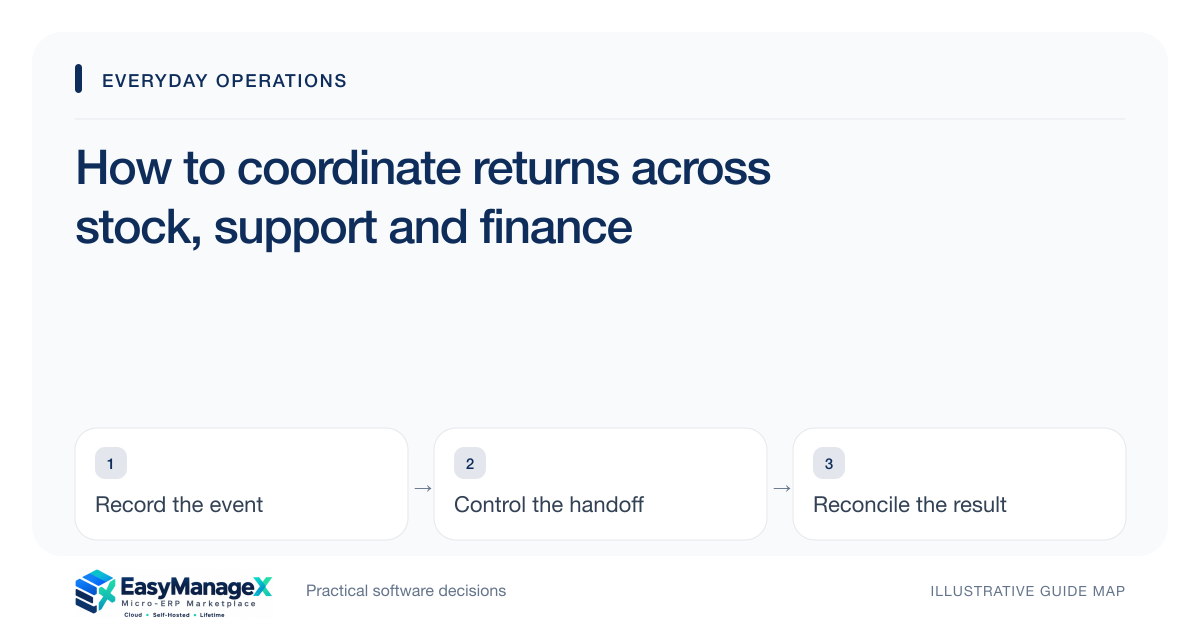
Coordinate return approval, receipt, condition review, stock disposition and financial resolution so each team can explain what remains outstanding in a return case.
Read the guide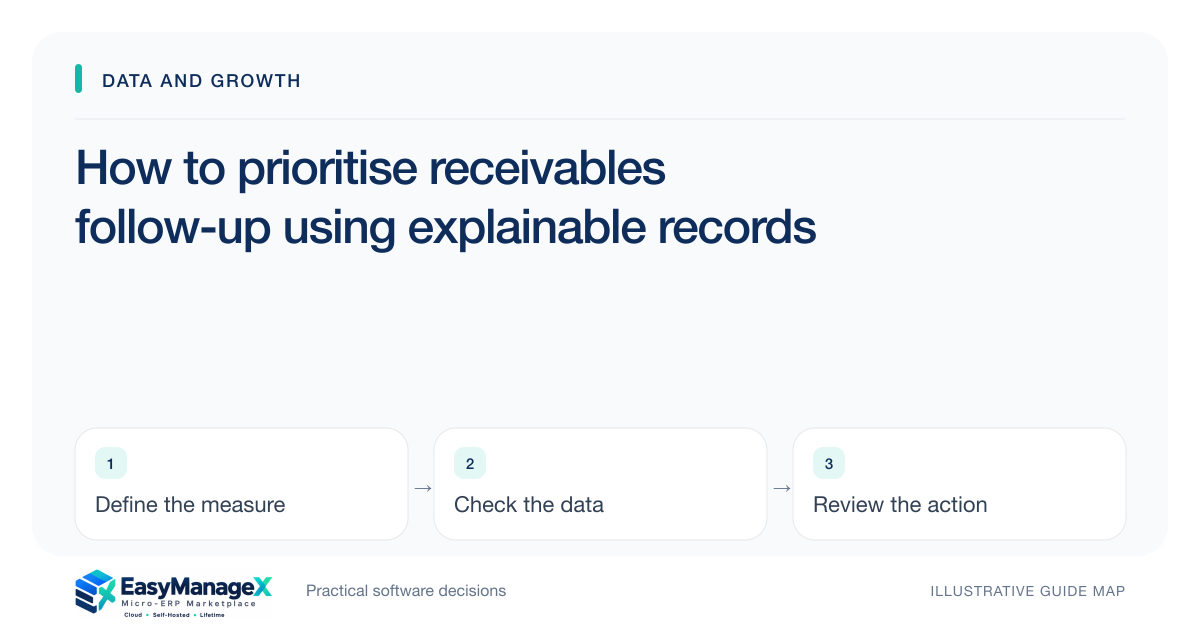
Prioritise receivables review using due dates, confirmed balances, disputes and customer commitments, with clear next actions instead of repeated generic payment reminders.
Read the guide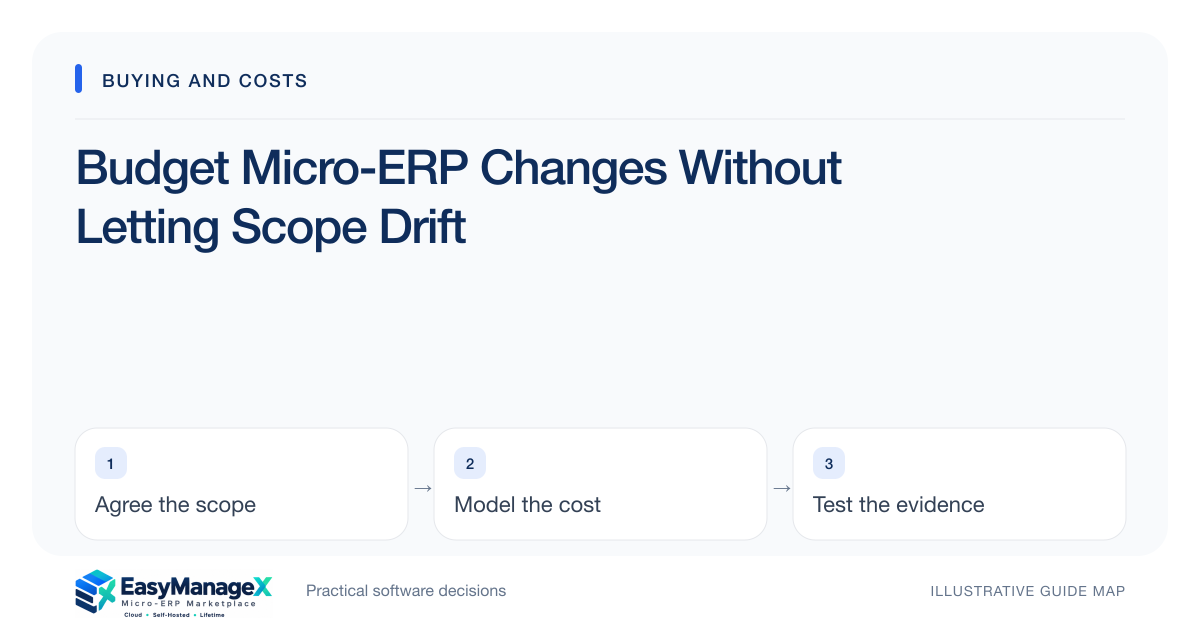
Create a practical micro-ERP change budget with decision owners, impact estimates and contingency rules so new requests do not silently expand implementation scope.
Read the guide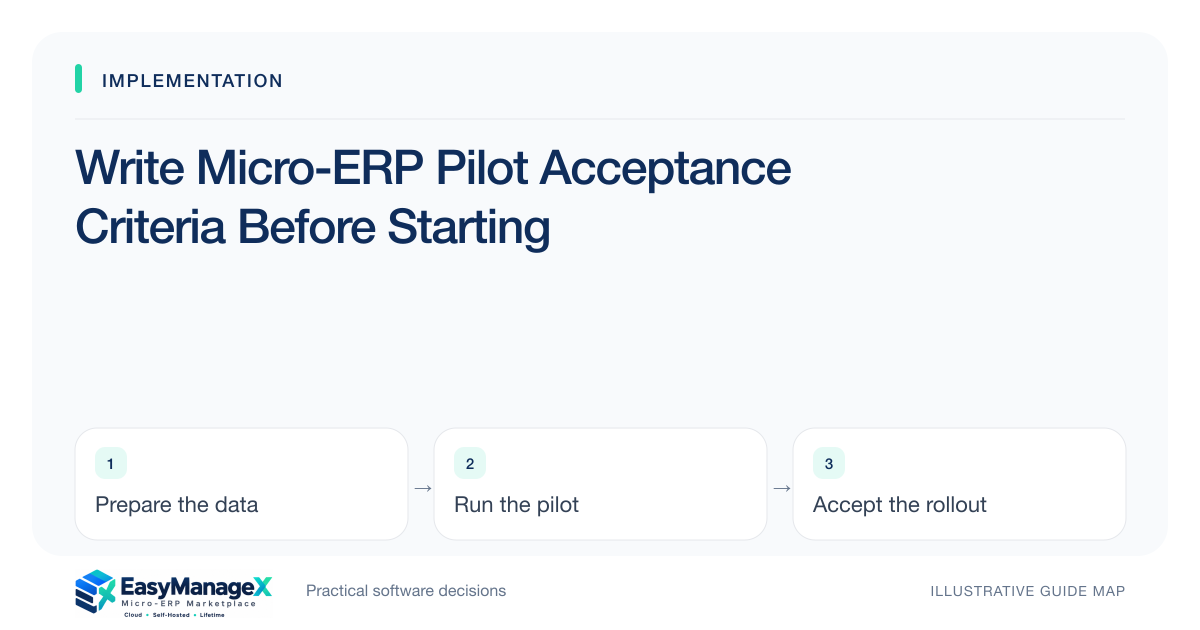
Define micro-ERP pilot acceptance with representative transactions, known results, normal roles and explicit failure gates before deciding that the system is ready.
Read the guide
Map micro-ERP source files, owners, records and relationships before migration so hidden spreadsheets, attachments and stale copies do not derail the first import.
Read the guide
Build a micro-ERP migration field map that explains identifiers, dates, units, statuses and transformation rules, then verify it with a linked sample before importing.
Read the guide
Plan micro-ERP data cleanup around duplicate decisions, protected source copies, documented corrections and linked-history checks instead of deleting inconvenient records.
Read the guide
Run a timed micro-ERP migration rehearsal with approved source snapshots, import order, rejection handling and reconciliation so cutover estimates come from evidence.
Read the guide
Validate micro-ERP opening stock through a controlled count, location and unit checks, reserved-stock review and signed reconciliation before releasing live transactions.
Read the guide
Plan micro-ERP rollback with clear triggers, authoritative records, write-freeze rules and replay decisions so returning to the old process does not lose new work.
Read the guide
Stage a micro-ERP cutover by workflow, location or team while defining authoritative records, cross-stage handoffs and reconciliation so phased rollout stays coherent.
Read the guide
Configure micro-ERP user roles from an approved task matrix, then verify denied actions, branch boundaries, exports and joiner-leaver procedures before live access.
Read the guide
Test micro-ERP recovery by restoring data, attachments and configuration into a controlled environment, then verifying business records and measuring actual recovery time.
Read the guide
Create role-based micro-ERP training with realistic tasks, correction paths, practice records and support guidance so attendance does not get mistaken for readiness.
Read the guide
Prepare a micro-ERP support handover with ownership, configuration records, issue routes, recovery references and unresolved items so operations do not depend on the project team.
Read the guide
Plan a controlled micro-ERP parallel run with clear transaction authority, comparison rules and exception owners so running two systems does not create conflicting records.
Read the guide
Test micro-ERP integrations with controlled records, delayed acknowledgements, corrections and reconciliation so a working connection becomes a reliable operational handoff.
Read the guide
Organize micro-ERP launch-week support with named decision owners, focused reconciliation, clear issue intake and shift handovers instead of relying on ad hoc troubleshooting.
Read the guide