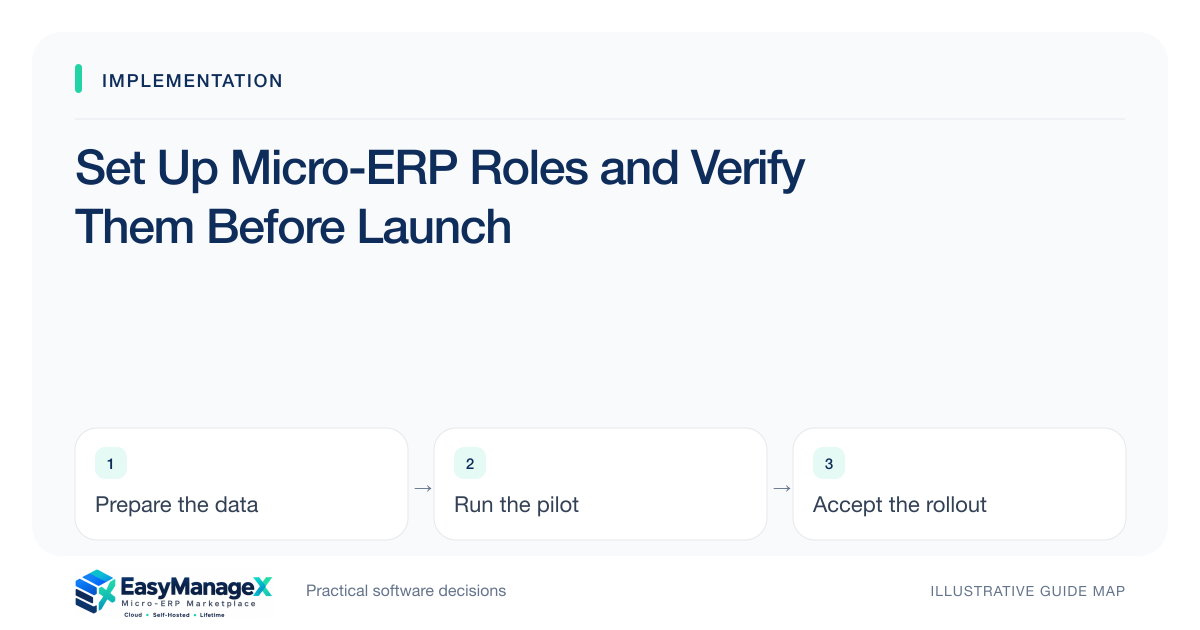
Set up roles from an approved task-and-record matrix, grant only necessary access and verify both allowed and denied behavior using ordinary accounts. Include branch boundaries, approvals, exports and privileged corrections. Document account ownership and departure procedures. Configuration is accepted when actual behavior matches policy, rather than when role names merely appear in an administration screen.
- Configure from approved responsibilities rather than copying an administrator.
- Test denied actions through realistic user paths.
- Include departure and temporary-access procedures in acceptance.
Approve responsibilities before configuration
Write who creates, edits, approves, exports and corrects each important record type. Include location or team boundaries and conditional actions. Have process owners resolve conflicting responsibilities first. Role setup should implement an understood policy rather than make policy decisions through whichever default permissions the installer chooses.
Keep the initial role set manageable. Too many overlapping roles make effective access difficult to explain. Record when a user needs more than one role and how those permissions combine in the actual application. Use current candidate documentation rather than assuming a familiar role name has familiar behavior.
Provision individual accounts
Create accounts through the supported organizational process and assign approved roles. Avoid shared daily credentials where individual accountability matters. Establish invitation, recovery and contact ownership so the business can administer accounts when a staff member changes role or the primary administrator is absent.
Keep privileged access separate where the design supports it, and grant it only to named responsible people. Include integration accounts in the inventory. Their permissions and recovery procedures should not depend on a personal employee account that could disappear when the person leaves or changes responsibilities.
Test permitted work end to end
Have a representative operator complete each essential task with intended records and devices. Check related views, attachments and reporting, since a task can fail late even when the initial entry screen is accessible. Record the account, role configuration and environment with the result so evidence can be reproduced.
Include corrections and bulk actions in the test set. A user may correctly create a record but lack the approved ability to fix an ordinary mistake. Alternatively, a broad correction permission may exceed policy. Both results require a decision before operators rely on the configuration in live work.
Test an illustrative denial
Illustrative scenario: an agency’s project coordinator can update assigned tasks but cannot approve invoices or read another team’s private project notes. Acceptance uses a normal coordinator account to check task work, direct record links, search and report exports, using synthetic records with known expected visibility.
The administrator then changes the coordinator’s team and verifies the resulting access. The test distinguishes a filtered list from enforced record boundaries. It does not claim a certification or guarantee about the candidate; it records whether the configured environment matches the agreed access policy.
Verify joiners, leavers and exceptions
Practice adding a user, changing a role and removing access. Ask what happens to active sessions, assigned work and records owned by the departed user. Resolve ownership transfers using the actual application’s supported process. Account removal should not leave open tasks inaccessible or an integration silently dependent on the removed login.
Define temporary privileged access with approval, scope and removal timing. Record emergency procedures and the person responsible for reviewing use afterward. Avoid permanent exceptions introduced during launch simply because they helped troubleshooting; review them before the acceptance gate closes and routine operations begin.
Hand over the access register
Document users, roles, service accounts, administrators and recurring review responsibilities. Store the register appropriately without passwords or tokens in ordinary project documents. Update it when teams, branches or workflows change. Permission acceptance is the starting point for maintenance, not a once-only ceremony.
Retain approved test cases for future changes and repeat affected checks after configuration updates. EasyManageX illustrative listings do not establish access enforcement. The actual candidate’s role system, deployed configuration and observed behavior must support the responsibilities your organization has chosen.
Your working checklist
- Approve the task-and-record matrix.
- Configure a manageable role set.
- Provision individual and service accounts.
- Test complete allowed workflows.
- Verify links, search and exports deny access.
- Rehearse account changes and removal.
- Hand over recurring access review.
Common questions
Should all users have broad access during launch?+
Avoid using broad access as a substitute for resolving role gaps. If temporary exceptions are necessary, approve and record their scope, owner and expiry, then retest the intended roles before routine operation. Untracked launch privileges can persist long after the original troubleshooting need ends.
How do we verify a removed user’s access?+
Use the application’s supported account-removal process and check behavior appropriate to the documented session model. Confirm that the account cannot resume authorized work and that owned tasks or integrations have been transferred. Perform controlled tests without exposing credentials or unnecessary production information.
Who reviews permissions after launch?+
Assign an accountable internal owner, with process managers confirming responsibilities and technical administrators applying approved changes. Review when people or workflows change and at an appropriate recurring cadence. A supplier can assist, but only the organization can reliably know which staff still require particular business access.
Sources and further reading
These primary references explain relevant concepts. Our scenarios and working checklists are original, illustrative guidance.
- ERPNext documentation: Role Based Permissions
Role and record access concepts for ERP administration. This is further reading, not a claim about EasyManageX products.
- OWASP Authorization Cheat Sheet
Least privilege, deny by default and permission verification.
Published by EasyManageX as practical, AI-assisted guidance. Examples are illustrative. Confirm software capabilities, licence terms and project-specific requirements before committing. Read our editorial policy.