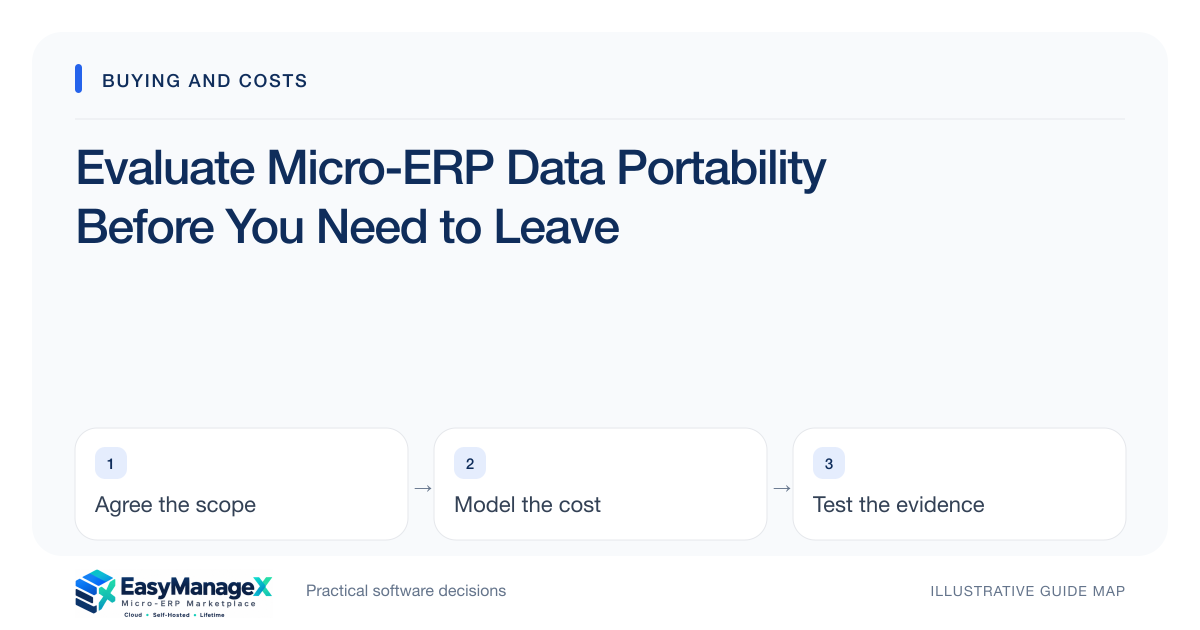
Portability means being able to obtain and interpret the records your business needs outside the current application. Test exports with linked records, corrections and attachments, then document formats, identifiers and access conditions. Build an exit plan before committing so a future migration does not depend on untested assumptions or one administrator.
- Test linked records and files rather than a single flat export.
- Keep a data dictionary with identifiers and status meanings.
- Clarify access, assistance and timing for a future exit.
Name the records that must survive
List master records, transactions, attachments and important history separately. A customer directory, open orders and approval events serve different purposes. Decide what a future operating system must receive and what can remain in an archive, with relevant retention decisions reviewed by the appropriate responsible people.
Identify relationships such as order-to-customer, task-to-project and file-to-record. Similar names cannot safely reconstruct those links. Ask for stable record identifiers and a description of how related exports connect. This makes portability a concrete operational requirement rather than an attractive but undefined feature.
Inspect actual export files
Request a sample from the candidate environment using your trial records. Check column names, encoding, dates, decimal values and empty fields. Open the files in a suitable tool and verify that identifiers retain their form; spreadsheet software can silently transform codes or long numbers.
Look for export filters and limits. A download might include only the visible page, active records or selected dates. Compare its row count with the application and document exclusions. If repeated exports are necessary, identify the process for obtaining a consistent snapshot without omissions or duplicate records.
Verify history and attachments
Ask how corrections, archived records and status history are represented. The current value alone may be insufficient to explain an old operational decision. Decide which history is essential rather than assuming every interface event belongs in the archive. Exports must be useful and manageable for their intended purpose.
Download attachments and check that filenames or metadata link them to records. Include a file with a duplicate name and one attached to multiple records if the workflow permits it. Confirm how access-controlled files are handled so an export process does not accidentally expose material to unauthorized users.
Run an illustrative reconstruction
Illustrative scenario: an agency exports two projects for clients with identical trading names. Each project has tasks, one changed due date and a delivery attachment. A second team reconstructs the project relationships using only the exported files and documentation, without searching the original application’s screens.
The exercise shows which identifiers and status definitions need improvement. It is not a full migration, but it proves whether the export is interpretable. A successful download alone would not have discovered that two client names were ambiguous or that attachment references pointed to inaccessible internal URLs.
Clarify the commercial process
Ask what export access remains during cancellation, whether assistance is chargeable and how long data stays accessible afterward. Have commercial and retention terms reviewed appropriately. Record whom to contact and which permissions are required so the process is usable if the usual administrator is absent.
Include third-party components. Records in a connector, messaging service or file store may not be part of the main application’s export. Request each dependency’s access and export process. Leaving the core application can still leave important data stranded in an account that nobody explicitly owns.
Maintain a modest exit pack
Keep a data dictionary, tested export procedure, account ownership list and recent trial results. Update them when new modules or integrations add record types. Protect exported information with suitable access controls; portability should not become a reason to create unmanaged copies across personal devices.
Use EasyManageX solution categories to identify the data domains under consideration, then verify candidate-specific exports. Catalogue samples do not establish migration support. An exit pack improves negotiating clarity and operational resilience even when you remain satisfied with the selected system for a long time.
Your working checklist
- List records and history to preserve.
- Identify relationship keys.
- Test export counts and filters.
- Download and reconnect attachments.
- Reconstruct a small linked dataset.
- Clarify cancellation access and charges.
- Document third-party export ownership.
Common questions
Is CSV enough for data portability?+
CSV can be useful for tabular records, but it may not carry relationships, attachments or history by itself. Ask for stable identifiers and documentation, then test reconstruction. The suitable format depends on what must be transferred, archived or understood after the original application is unavailable.
Do we need to export everything regularly?+
Choose a controlled export schedule based on operating and recovery needs. Exporting every record repeatedly may create unnecessary sensitive copies and does not replace a proper backup process. Identify the purpose, authorized recipients, storage protection and retention of each export before automating it.
Can vendor migration help replace an exit plan?+
Assistance can reduce work, but document what it includes and the prerequisites it needs. Test a small sample while the relationship is healthy. An internal exit pack helps your team understand the work and remains useful if support availability, staff or migration destinations later change.
Sources and further reading
These primary references explain relevant concepts. Our scenarios and working checklists are original, illustrative guidance.
- IBM: What is enterprise resource planning?
ERP integration and shared operational data; vendor-neutral original guidance in our articles.
- OWASP Authorization Cheat Sheet
Least privilege, deny by default and permission verification.
- RFC Editor: RFC 4180 CSV format
CSV record format and interoperability; validate each target system import contract.
Published by EasyManageX as practical, AI-assisted guidance. Examples are illustrative. Confirm software capabilities, licence terms and project-specific requirements before committing. Read our editorial policy.