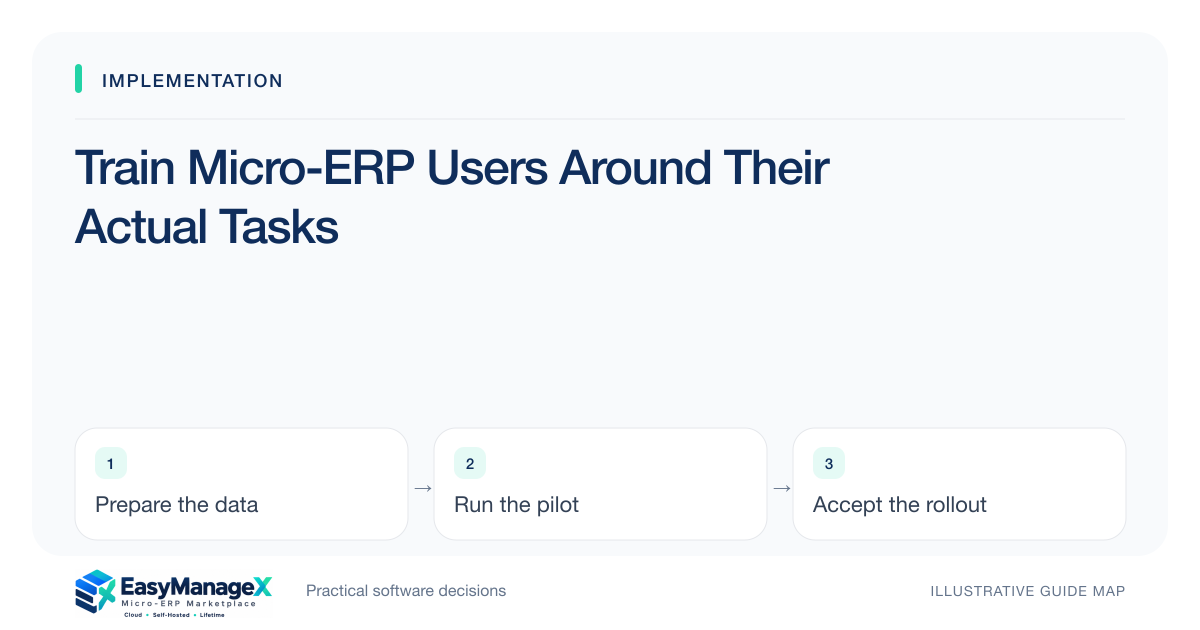
Role-based training teaches each user the tasks, exceptions and decisions they will actually perform. Use realistic practice records and their intended permissions, then observe independent task completion. Include correction, escalation and handoff guidance. Training readiness is demonstrated behavior, rather than attendance at a general feature presentation or familiarity with an administrator’s screens.
- Teach tasks and exceptions with the user’s real role.
- Observe independent completion after guided practice.
- Include correction and support routes before launch.
Map roles to learning outcomes
List what operators, reviewers, supervisors and administrators need to accomplish. Define a few observable outcomes for each role, such as receiving a partial order, returning an approval or locating an open task. Keep general product navigation subordinate to the work that users must reliably complete.
Use the configured process and permissions intended for launch. A training environment with unrestricted accounts can teach actions that users will not be allowed to perform later. If final configuration changes after training, review affected materials and provide focused follow-up rather than assuming the earlier session remains sufficient.
Prepare realistic practice records
Create safe sample records with recognizable structure and known expected results. Include the identifiers, locations and status meanings users will see. Avoid exposing unnecessary customer or staff information. Practice should develop understanding without turning a classroom environment into an unmanaged copy of the live business dataset.
Provide both normal and exception cases. Users need to correct an accidental quantity, recognize a duplicate and know when to stop and ask for help. If training covers only perfect transactions, the first everyday mistake can undermine confidence and create avoidable data cleanup after launch.
Teach handoffs and boundaries
Explain what each completed action enables for the next person. A reviewer approving a request may release work to purchasing; an operator closing a job may affect inventory and reporting. Understanding these consequences helps users avoid treating status changes as cosmetic steps with no downstream effect.
State which records are authoritative and which actions remain outside the new application. During phased rollout, include the temporary bridge process explicitly. Users should not improvise duplicate entry or assume that an unconnected external tool automatically receives their update merely because the application shows a completed state.
Use an illustrative learning task
Illustrative scenario: a warehouse operator practices receiving eight of ten ordered units, rejecting one damaged unit and leaving the rest unresolved. The trainer first demonstrates the process, then gives a different sample to the operator. The operator explains the resulting quantity and the next handoff without assistance.
A supervisor separately practices the approved correction path. The exercise measures task understanding rather than recall of button positions. It also reveals if the configured permissions prevent a necessary correction, allowing the team to resolve a setup issue before users encounter it in live receiving.
Observe readiness and accessibility
Ask users to complete tasks independently while an observer records where they hesitate or need help. Distinguish training gaps from confusing configuration or unmet accessibility needs. Keyboard operation, readable labels and clear error messages can materially affect readiness; a finished attendance list cannot reveal those barriers.
Offer short reference aids for infrequent actions such as cancellation and escalation. Keep them aligned with current configuration. Avoid overwhelming users with every product feature; focused guidance is easier to maintain and more useful when someone needs to resolve a specific operational issue under time pressure.
Connect training to support
Publish the internal support route, issue template and escalation expectations. Explain what information to provide without sending passwords or unnecessary sensitive records. Identify local champions or backup contacts where appropriate, and ensure their responsibilities are realistic rather than informal unpaid assumptions during a busy launch.
Review training needs after early operating evidence, updating material for recurring mistakes and approved changes. EasyManageX content can guide planning, but illustrative catalogue listings do not establish included training services. Confirm supplier deliverables and use observed task completion to judge your team’s actual readiness.
Your working checklist
- Define outcomes for each role.
- Use intended permissions in practice.
- Prepare normal and exception records.
- Teach downstream handoffs.
- Observe independent task completion.
- Review accessibility and reference aids.
- Publish support and escalation guidance.
Common questions
Is one general training session enough?+
It may provide orientation, but different roles need different tasks and exception guidance. Use focused practice and observe completion. Administrators need account and configuration procedures, reviewers need decision paths, and operators need everyday corrections; a single feature tour rarely establishes readiness across all those responsibilities.
How should readiness be measured?+
Ask users to perform agreed tasks independently with known expected results, then record necessary help and unresolved barriers. Attendance and satisfaction can provide context but are not the same as task competence. Resolve configuration or accessibility problems instead of treating every difficulty as a need for more training.
What belongs in a quick reference guide?+
Include the steps and decision points for a specific task, common errors, the approved correction route and where to obtain help. Use current configuration and clear language. Keep sensitive records and credentials out of examples, and assign an owner to update the guide when workflow behavior changes.
Sources and further reading
These primary references explain relevant concepts. Our scenarios and working checklists are original, illustrative guidance.
- W3C Web Content Accessibility Guidelines 2.2
Accessible forms and interfaces; no conformance certification implied.
- IBM: What is enterprise resource planning?
ERP integration and shared operational data; vendor-neutral original guidance in our articles.
Published by EasyManageX as practical, AI-assisted guidance. Examples are illustrative. Confirm software capabilities, licence terms and project-specific requirements before committing. Read our editorial policy.