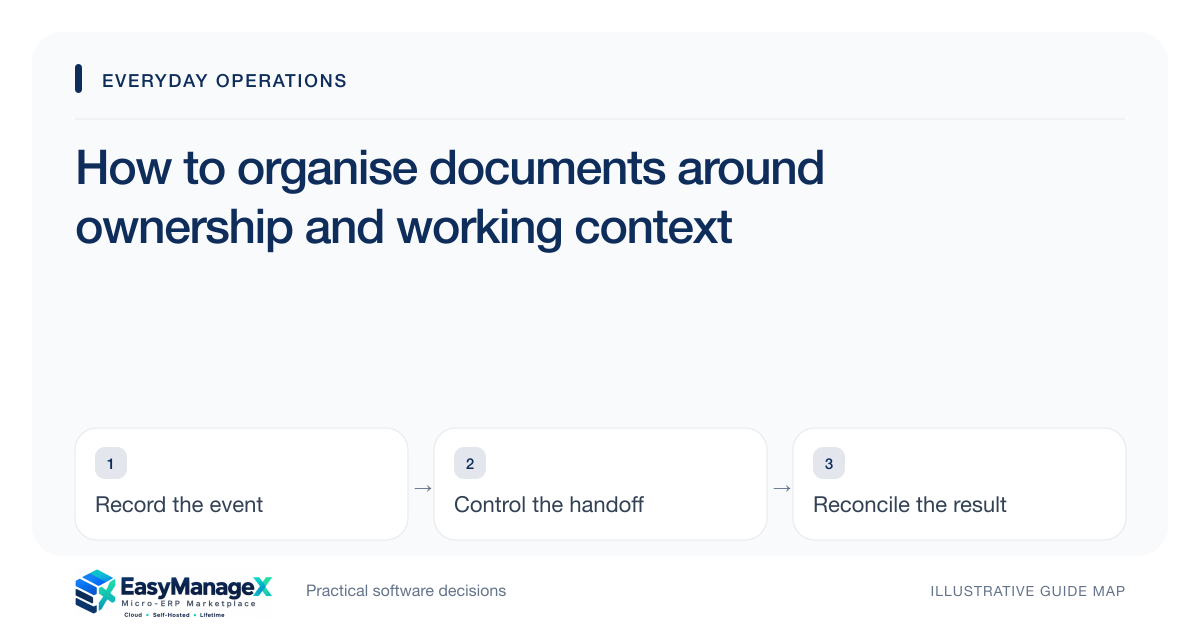
Organise documents by the work they support, the person responsible for them and their current status. Record a stable identity, version, owner and related transaction or project. Separate drafts from accepted records and define access deliberately. A folder structure helps navigation, but it cannot alone explain which document people should use or who may change it.
- Give important documents an owner and stable identity.
- Link records to the work they explain.
- Separate drafting access from accepted-version authority.
Define the record’s operational purpose
Start by asking why the document exists and who needs it. A supplier specification, customer brief and internal policy serve different decisions. Choose metadata that supports those uses instead of imposing a large uniform set of fields that staff cannot maintain.
Link the document to relevant work records such as an order, asset or project. A stable relationship is more reliable than including every reference in a filename. Keep human-readable names useful while avoiding the assumption that naming conventions alone establish identity.
Assign ownership beyond uploading
The uploader may not be the person responsible for accuracy or review. Name an owner who can confirm the document’s status and organise changes. Provide a backup or transfer process when that person changes role or leaves the organisation.
Record the review purpose and cadence where needed. Some documents change only when the underlying transaction changes, while others need periodic review. A generic annual reminder should not replace understanding what event makes the content obsolete.
Distinguish drafts and accepted versions
Define states such as draft, under review, accepted and superseded according to your process. Explain which version staff may use for a particular action. Accepted does not mean universally suitable; its scope may be limited to one project, location or period.
Keep the accepted version identifiable when a new draft is created. If users can only find the latest upload, work can switch to unreviewed instructions. Preserve the link between the review decision and the version it accepted.
Illustrative scenario: an installation instruction
An illustrative solar installation team receives a revised site instruction while work is underway. The document owner stores it as a draft amendment linked to the site project. The previously accepted instruction remains visible for the current work until review determines the effect.
The reviewer accepts the revision for a specified upcoming stage and records that boundary. Site staff can see which version governs each action. Renaming both files final would leave them guessing and make later questions about the installation difficult to answer.
Match access to the work
Decide who may view, edit, review and distribute each document class. An external recipient may need an accepted copy without access to drafts or unrelated records. Test direct links and exports as well as folder navigation when evaluating the candidate system.
Avoid placing sensitive information in broadly visible titles or notifications. Metadata can expose details even when file access is restricted. Collect and display only information appropriate to the audience, and keep access decisions attributable.
Plan retrieval and retention decisions
Test whether a new colleague can find the accepted document using the work reference and understand its owner and status. Search quality depends on consistent metadata and clear relationships, not only on the presence of a search box.
Have a colleague unfamiliar with the document find it from the linked project or transaction and explain its accepted scope. Test their actual retrieval and export permissions. A successful search should establish the right record and version; locating a similarly named file does not resolve its authority or suitability.
Your working checklist
- List document classes and their purposes.
- Assign owners and transfer procedures.
- Link each record to relevant work.
- Define draft and accepted states.
- Test viewer, editor and external access.
- Review retrieval and retention requirements.
Common questions
Is a folder naming convention enough for document control?+
It can help people navigate, but it does not establish ownership, acceptance or access authority. Add a stable identity and status for important documents, and link them to the work they support. Test whether another colleague can find and interpret the record without help from its original creator.
Should the latest uploaded file always be used?+
Not when acceptance or scope matters. The latest upload may be a draft, rejected revision or copy for another purpose. Define the version authorised for each action and preserve the decision that accepted it. Users should understand the status before relying on the document.
Can a document catalogue listing prove secure storage?+
No. Security depends on the actual implementation, configuration and access checks. Verify who can retrieve, change and export representative records, including through direct links. A catalogue category describing storage or access should be treated as a requirements prompt rather than proof of a secure or compliant archive.
Sources and further reading
These primary references explain relevant concepts. Our scenarios and working checklists are original, illustrative guidance.
- OWASP Authorization Cheat Sheet
Guidance relevant to document retrieval, editing and distribution permissions.
- OWASP Logging Cheat Sheet
Guidance on attributable changes and avoiding sensitive metadata exposure.
Published by EasyManageX as practical, AI-assisted guidance. Examples are illustrative. Confirm software capabilities, licence terms and project-specific requirements before committing. Read our editorial policy.