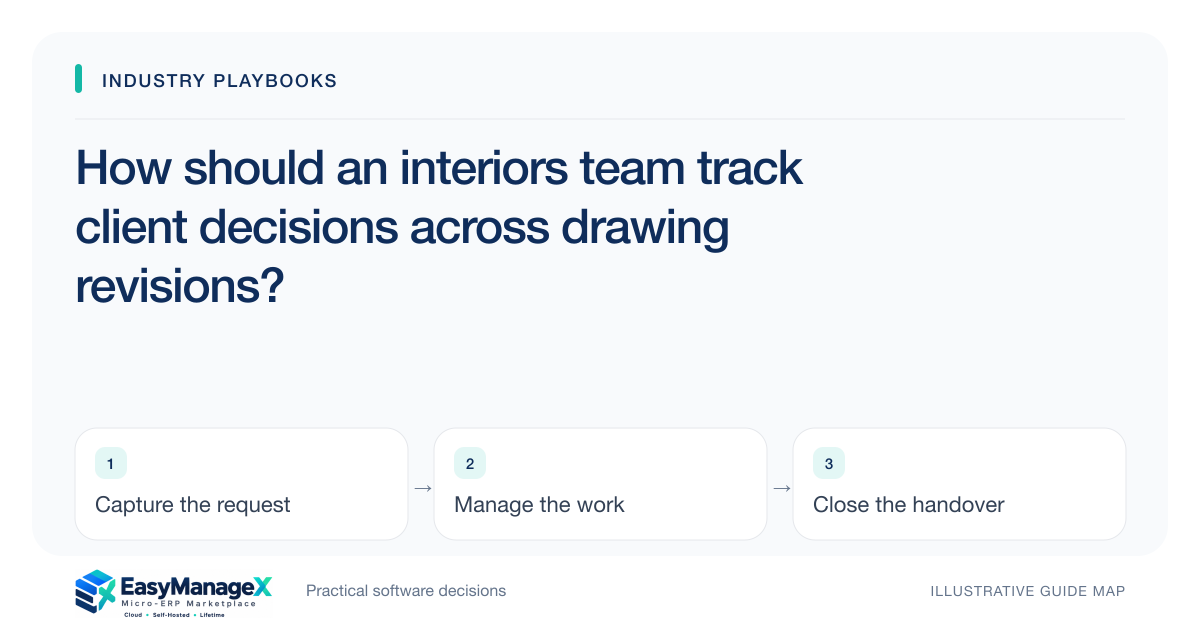
An interiors team should maintain a decision register linked to the relevant space, specification and drawing version. Separate proposed options from confirmed client selections, and record the approval scope. When a drawing changes, review affected decisions and issue an acknowledged release to the next work owner instead of assuming every earlier approval still applies to the revised set.
- Decisions need space and version references.
- A revised drawing may require a targeted decision review.
- Release acknowledged instructions to each affected work owner.
Organise decisions around actual project spaces
Identify the spaces or work packages your team uses in design and delivery. Record each decision against that reference, with the responsible coordinator and required next action. A single project-level list of approvals can become confusing when the same material or fixture appears in several rooms.
Capture what needs to be decided, which options were presented and the relevant specification reference. Keep discussion notes distinct from confirmed selections. Designers should be able to identify unresolved decisions without interpreting a long message thread as if every positive comment were an approval.
Make approval scope explicit
A client decision should identify the presented option and version, together with any recorded limits. Acceptance of a finish may not approve a changed dimension or placement in a later drawing. Preserve that distinction so the team can review only the decisions actually affected.
Use the project’s established authority and qualified personnel for technical suitability and contractual matters. The register should preserve their references and outcomes. It should not infer compliance or feasibility simply because a client selected an option during a design conversation.
Review revisions before release
When a drawing revision arrives, list the decisions and work packages it affects. The coordinator can then confirm which selections remain applicable and which require renewed review. A new drawing number should not automatically reset every approval or leave all earlier decisions unquestioned.
Issue the authorised set with its version and receiving owner. Procurement, workshop and site teams may need different parts of the information. Record their acknowledgement so a corrected drawing does not coexist with an untracked earlier instruction in someone’s working folder.
Illustrative scenario: a kitchen layout is revised
Consider a kitchen project where a confirmed finish remains unchanged but the layout revision moves a storage element. The coordinator links the affected placement decision to the new drawing and asks the appropriate reviewers for confirmation. Unrelated approved finishes remain identifiable.
After the authorised decisions, the relevant procurement and delivery owners acknowledge their revised instructions. This illustrative scenario concerns decision tracking; it does not prescribe design dimensions, technical installation requirements or the contractual meaning of any particular client approval.
Keep unresolved decisions visible at handover
A handover list should identify confirmed selections, remaining decisions and the person responsible for each next action. If a project moves between coordinators, retain the evidence reference behind an approval rather than relying on the outgoing designer’s recollection of the conversation.
Corrections should explain whether a decision was wrongly entered or genuinely changed. Preserve the earlier record and the reason for the new one. This allows the receiving team to distinguish administrative cleanup from a revision that affects work already released.
Evaluate a targeted revision review
Ask for a demonstration where one drawing change affects two decisions while leaving another selection intact. Require the operator to issue the revised set and show acknowledgement by its work owners. Inspect the handover view from an account that cannot edit approvals.
EasyManageX listings are illustrative. Confirm decision references, version links and role boundaries using your own project spaces. A manageable pilot should help the team reliably answer which decision applies to which released instruction before introducing more extensive document or procurement automation.
Your working checklist
- Define project space and work-package references.
- Separate presented options from confirmed selections.
- Record approval scope and evidence versions.
- Review decisions affected by each drawing change.
- Issue acknowledged releases to relevant owners.
- Test coordinator handover with unresolved selections.
Common questions
Must every drawing revision restart every approval?+
Review the decisions actually affected by the change under your project process. Retain confirmed selections that remain applicable, while identifying those needing renewed review. The register should make that reasoning visible rather than automatically deleting approvals or assuming the whole revised set is already accepted.
How should approval messages be stored?+
Link the relevant evidence to the decision, presented option and version, with appropriate access controls. Avoid copying unrelated client conversation into every work package. The receiving owner should be able to identify the confirmed outcome and its scope without reading an entire private message history.
What belongs in a coordinator handover?+
Include current drawing references, confirmed decision scopes, unresolved selections and named next-action owners. Keep the evidence needed to explain each state. A useful handover allows the incoming coordinator to answer which instruction is authoritative without relying on the previous person’s memory.
Sources and further reading
These primary references explain relevant concepts. Our scenarios and working checklists are original, illustrative guidance.
- ERPNext documentation: Project
Further reading on project responsibilities and task progress; relevant to linking interior drawing changes to affected client decisions.
Published by EasyManageX as practical, AI-assisted guidance. Examples are illustrative. Confirm software capabilities, licence terms and project-specific requirements before committing. Read our editorial policy.