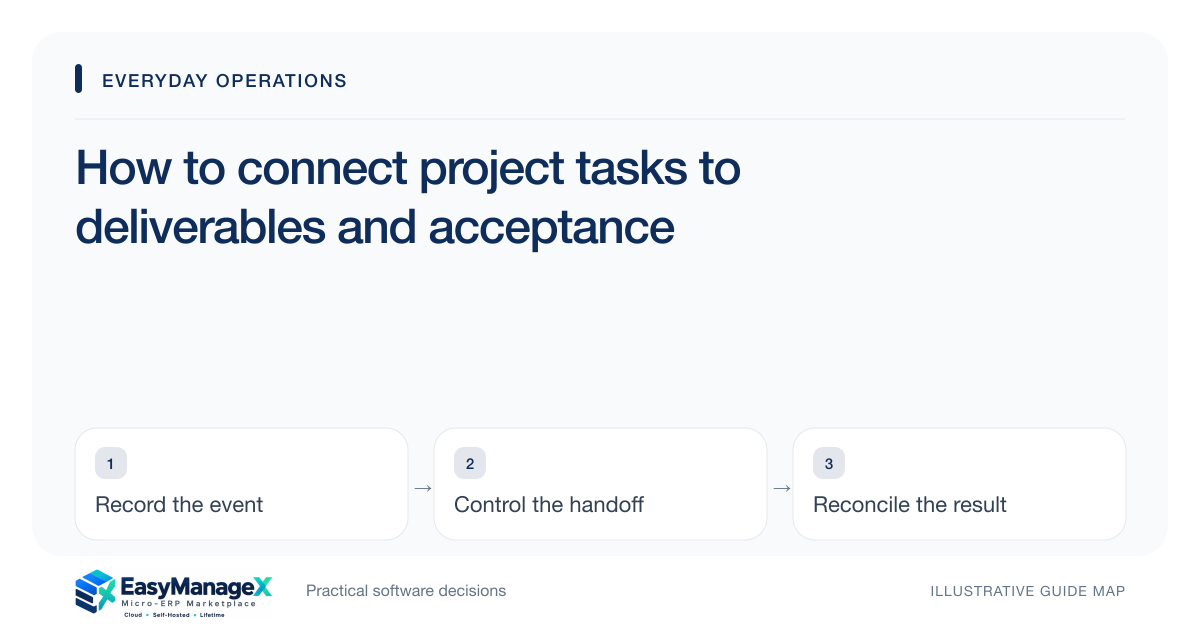
Connect every material project task to a deliverable, accountable owner and acceptance condition. Use dependencies to show what blocks progress, and record scope changes separately from ordinary task updates. A board full of completed tasks is insufficient if the customer or internal recipient cannot accept the resulting work against the agreed brief.
- Define acceptance before a deliverable enters execution.
- Keep dependency owners visible alongside task owners.
- Assess scope changes before committing additional work.
Begin with a deliverable map
Break the brief into outcomes that someone can review and accept. Then identify the work required to produce each outcome. This creates a useful distinction between activities such as drafting and deliverables such as an approved specification.
Choose the right task size for coordination. Extremely broad tasks conceal blocked work; extremely small tasks create administrative noise. Prefer work units with a clear owner, observable result and manageable review point that fits your team’s actual handoffs.
Write acceptance in practical terms
Acceptance should identify the reviewer, evidence and condition for completion. A design task might require an approved asset set in specified formats, while an installation task may require a documented inspection. Tailor the condition to the deliverable instead of using one generic done label.
Separate internal completion from recipient acceptance when they happen at different times. A task owner may finish production before the reviewer responds. That distinction prevents the project from appearing complete while an unresolved decision still blocks invoicing or subsequent work.
Make blockers assignable
A blocker is more useful when it identifies the missing input, responsible party and required date. Waiting for approval hides whether the team needs a scope decision, a document or a purchasing action. Write the blocker so another colleague can help resolve it.
Review dependencies across projects when shared people or equipment are involved. A local task date may be unrealistic if another project has already committed the same capacity. Ask how candidate tools expose those conflicts rather than assuming a timeline view solves them.
Illustrative scenario: an interior fit-out
An illustrative interiors team needs the client to approve a material sample before procurement starts. The sample preparation task is complete, but the deliverable remains awaiting client acceptance. Purchasing keeps the dependency visible instead of ordering against an unconfirmed preference.
The client then requests a different finish. The project lead records a scope-change assessment covering lead time, cost and affected work. Only the accepted decision updates the delivery plan, allowing the team to explain the schedule without blaming an unexplained task delay.
Connect effort to the right decision
Timesheets and cost records should answer a defined question, such as whether a deliverable is consuming more effort than planned. Decide how shared work is allocated and which activities require recording. Collecting detailed time without a review purpose burdens staff and encourages inconsistent entries.
Review estimated remaining work as well as recorded effort. A task with little logged time may still require substantial work, while a task over its estimate may be nearly ready for acceptance. These distinctions improve project discussions without pretending an estimate is certainty.
Evaluate change and handoff behaviour
Test a rejected deliverable, a blocked task, a reassigned owner and an approved change affecting several dates. Confirm the candidate workflow preserves prior decisions and makes the current plan understandable to both delivery staff and reviewers.
Ask delivery staff and reviewers to inspect the same changed project and explain the current commitment. They should find the accepted deliverables, blocking inputs and revised decisions without relying on a private chat history. Confirm the required costing and scheduling behaviour using that project before adopting the workflow.
Your working checklist
- List deliverables from the agreed brief.
- Write an acceptance condition for each.
- Name task and dependency owners.
- Record blockers with required inputs.
- Define effort-recording purpose and units.
- Test a change affecting the project plan.
Common questions
Is a completed task the same as an accepted deliverable?+
Not always. A task may represent internal work that still needs recipient review. Define the relationship explicitly and retain the acceptance decision where it matters. This makes project status more accurate and helps the team distinguish production delays from a deliverable awaiting a customer or internal reviewer.
Should every project use timesheets?+
Use timesheets when their information supports a real decision such as billing, capacity planning or effort comparison. Define the required detail and review routine first. For some work, milestone evidence or measured outputs provide a better operational signal than asking people to record every small activity.
How can a team avoid silently expanding scope?+
Record requested changes with the reason, affected deliverables, expected effort and decision owner. Assess the consequences before committing the work, then update the accepted plan with a reference to the decision. Ordinary task comments should not become the only evidence of a material commercial or delivery change.
Sources and further reading
These primary references explain relevant concepts. Our scenarios and working checklists are original, illustrative guidance.
- ERPNext documentation: Project
Further reading on project tasks, costing and connected work records.
Published by EasyManageX as practical, AI-assisted guidance. Examples are illustrative. Confirm software capabilities, licence terms and project-specific requirements before committing. Read our editorial policy.