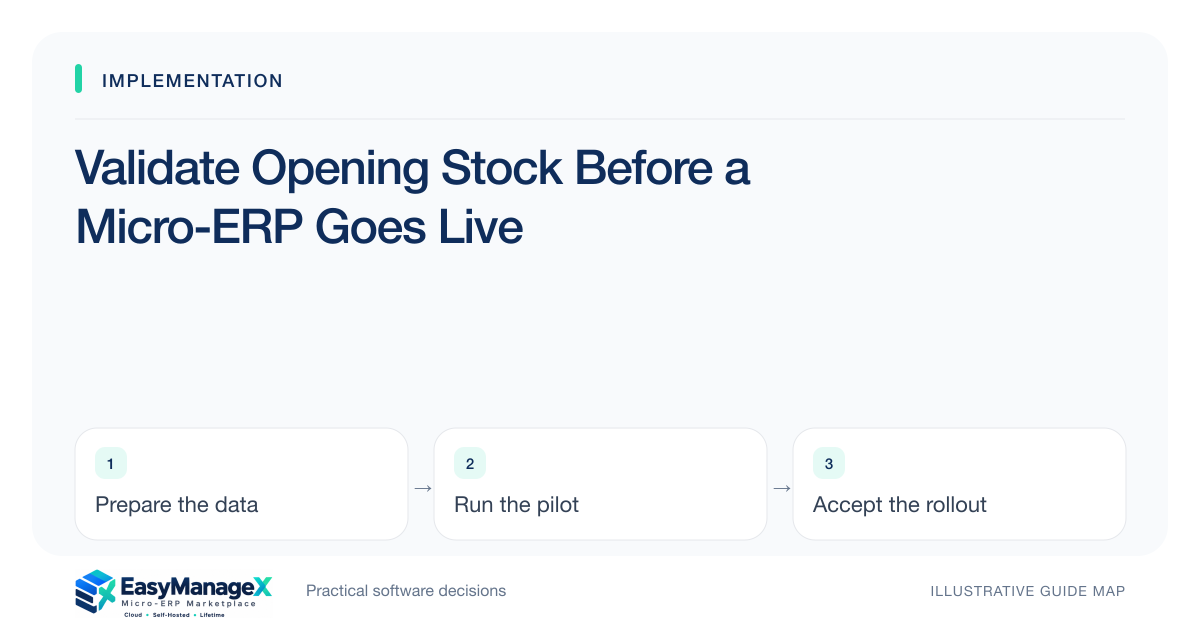
Opening stock should come from an approved count or reconciled source with a defined effective time. Validate items, locations, units and relevant batch or serial references, then compare imported quantities with expected results. Identify stock movements during the transition and obtain process-owner sign-off before allowing live receiving, transfers or dispatch.
- Define the effective time and scope of opening quantities.
- Reconcile units and locations as well as item totals.
- Control movements that occur between count and launch.
Define what opening stock means
State whether quantities come from a physical count, an existing ledger or a reconciled combination. Record the effective date and time, locations covered and excluded stock. Without this definition, reviewers may compare an imported morning balance with an afternoon count after receipts and dispatches have already changed inventory.
Clarify available, reserved, damaged and in-transit stock for the selected workflow. Different systems may represent these states differently. Confirm candidate-specific definitions and obtain business approval for mappings. Do not combine distinct operational states merely to produce one convenient number on a launch spreadsheet.
Check item and location identity
Confirm unique item codes, valid locations and any required serial or batch references. Similar descriptions should not be used to guess identity. Resolve retired codes and duplicated locations before import, retaining a crosswalk where needed so reviewers can trace each quantity back to the approved source.
Validate units of measure and pack sizes. A case of twelve is not twelve cases, and a supplier’s unit may differ from the warehouse’s unit. Have the stock owner approve conversion rules. Avoid defaults for unknown pack sizes that could multiply a source-data issue into a major quantity error.
Control transition movements
Define whether movements pause during counting and import or are recorded in a controlled delta log. Assign the person responsible for capturing receipts, dispatches and transfers during the gap. If the business cannot pause, rehearse the process that adds those movements and reconciles the final effective balance.
Prevent parallel uncoordinated entry in old and new systems. State which record is authoritative at each stage and how temporary records are reconciled. A launch can begin with accurate opening figures and still become inconsistent within hours if staff process movements under different assumptions.
Use an illustrative count difference
Illustrative scenario: a warehouse counts thirty units at location A and ten at B. Four units move from A to B before the import window, but the movement is recorded only on paper. The transition log adjusts the expected opening quantities to twenty-six and fourteen.
The team also separates two damaged units from dispatchable stock using the candidate’s verified design. This example concerns operational quantities, not accounting valuation or tax treatment. Qualified owners should handle valuation decisions separately, while operators validate the stock states that receiving and fulfilment will actually use.
Reconcile before release
Compare imported item-location quantities with the approved source and delta log. Review unexplained differences, missing references and unexpected negative balances. Verify selected items through actual availability and dispatch tasks rather than relying solely on the import total, which can conceal a location swap or unit conversion error.
Use a sign-off record listing source version, effective time, differences and accepted exceptions. Keep important discrepancies as launch gates with owners. An apparent total match is insufficient when quantities sit in the wrong location or represent a different operational state than users expect.
Establish the first operating checks
Plan focused checks after the first receipts, transfers and dispatches. Confirm that the stock movement ledger explains quantity changes and that operators know how corrections are handled. If new discrepancies appear, investigate the cause before simply editing opening quantities to make a report agree.
Document the validated process for future locations and major stock resets. EasyManageX inventory categories are discovery references, and sample listings do not establish particular stock capabilities. The actual configured application’s movement rules, permissions and reconciliation evidence determine whether the new ledger can support daily work.
Your working checklist
- Define quantity scope and effective time.
- Approve item and location identifiers.
- Validate pack sizes and unit conversions.
- Separate operational stock states.
- Control transition movements.
- Reconcile item-location quantities.
- Sign off before live dispatch.
Common questions
Must opening stock always use a physical count?+
A count can provide useful evidence, but the appropriate basis depends on the business and existing records. Define and approve the method, reconcile known movements and investigate material differences. Do not claim a ledger export is accurate merely because it came from the previous application.
Can totals match while stock is wrong?+
Yes. Quantities can be assigned to the wrong item, location, unit or stock state while the overall total remains unchanged. Reconcile at the dimensions the workflow depends on, and test selected records through availability, receiving or dispatch tasks rather than comparing only a grand total.
Should valuation be part of this checklist?+
Operational quantities and accounting valuation are related but require different decisions. This checklist focuses on stock identity, state and movement control. Have qualified finance owners define valuation and applicable reporting treatment; do not infer those rules from the application’s default field or an illustrative quantity example.
Sources and further reading
These primary references explain relevant concepts. Our scenarios and working checklists are original, illustrative guidance.
- ERPNext documentation: Stock Reconciliation
Physical counts, opening balances and reconciliation workflows. This is further reading, not a claim about EasyManageX products.
- Microsoft Learn: Inventory on-hand list
Inventory dimensions, available stock and filtered reconciliation; no product feature endorsement.
Published by EasyManageX as practical, AI-assisted guidance. Examples are illustrative. Confirm software capabilities, licence terms and project-specific requirements before committing. Read our editorial policy.