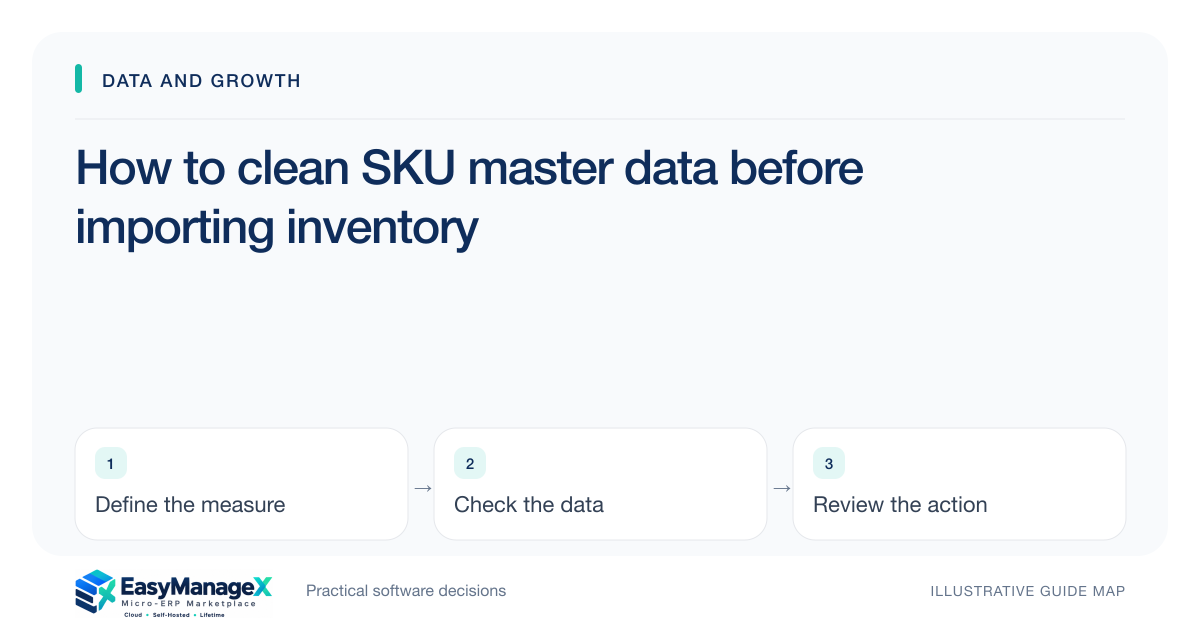
Clean SKU data by defining item identity, variant distinctions, units and stable references before changing stock records. Resolve ambiguous duplicates with business owners and preserve legacy mappings. Test the cleaned master with representative receipts, sales and transfers. A tidy description column is insufficient if two records refer to different physical items or use incompatible units.
- Resolve physical identity before merging records.
- Document unit conversions and variant distinctions.
- Preserve legacy-to-current mappings for traceability.
Agree what makes an item distinct
Identify which attributes materially distinguish stock: size, grade, colour, pack size or compatibility, depending on the business. Use those rules to determine whether similar descriptions describe the same item. A naming resemblance alone is not enough evidence for a merge.
Write the rule with warehouse and purchasing staff who recognise the goods. Data cleanup performed only from a spreadsheet can erase distinctions that matter physically. Keep uncertain records in a review queue rather than assigning a guessed identity.
Choose stable identifiers and names
Use a stable SKU identifier and a clear human-readable description. The name helps staff select the right item, while the identifier supports relationships across transactions. Avoid repurposing an old identifier for a different item simply because it is no longer active.
Record supplier identifiers and legacy codes as mappings where useful. A supplier changing its code should not necessarily change the internal item identity. Preserve the relationship so historical receipts and current orders remain understandable.
Standardise units and conversions
Define base, purchasing and selling units where they differ. Record accepted conversion factors and who maintains them. A box may contain different quantities across items, so a universal box conversion can create incorrect movements even when the master looks consistent.
Review existing transactions that used ambiguous units. Master cleanup alone does not repair historical quantity errors. Decide which records need separate investigation and retain correction evidence instead of applying a broad conversion blindly to every historical row.
Illustrative scenario: similar spare-part descriptions
An illustrative auto-parts shop has two records named filter large. Staff confirm that they fit different models, so the cleanup keeps separate identities and improves the descriptions. Another pair refers to the same part under an old supplier code and can be mapped after review.
The importer tests a carton receipt and an individual-unit sale using the cleaned units. This exposes a missing conversion before production data is changed. Merging every similar name would have reduced row count while making both compatibility and quantity records less reliable.
Set review outcomes and ownership
Use outcomes such as verified current item, inactive legacy item, approved duplicate mapping and unresolved identity. Assign an owner to ambiguities. An inactive record may still be needed for history and should not be deleted merely because no current stock remains.
Limit bulk-change authority and review the affected references. A cleanup can change reports, purchasing selections and stock searches. Give receiving teams a clear explanation of the accepted changes so they do not continue using a private list of old codes.
Pilot the import with representative movements
Validate a small dataset containing variants, conversions, inactive items and legacy mappings. Compare exported results with the agreed identities and units. Keep a review receipt of rejected rows and corrections so the larger import uses the same rules.
Ask warehouse and purchasing staff to inspect the pilot results and confirm that each selected item still represents the intended physical goods. Verify import errors and legacy reference retrieval. A successful file upload is insufficient if the resulting transactions silently use the wrong variant or conversion factor.
Your working checklist
- Define item distinction rules with staff.
- Assign stable SKU identifiers.
- Map supplier and legacy codes.
- Document base and transaction units.
- Review ambiguous duplicates explicitly.
- Pilot receipts, sales and transfers.
Common questions
Can similar item names be merged automatically?+
Only after a reliable identity rule and review establish that they represent the same physical item. Similar descriptions can hide different variants, pack sizes or compatibility. Preserve uncertain records for assessment and retain legacy mappings when approved duplicates are consolidated so historical references remain understandable.
Should inactive SKUs be deleted before an import?+
Not necessarily. They may be needed to interpret historical movements, orders or reports. Define inactive status and retention needs separately from current purchasing or sales availability. Test whether the candidate system can keep historical references while preventing staff from selecting an obsolete item for new transactions.
Why test transactions after cleaning master data?+
A master can appear consistent while receipts or sales still use incompatible units or references. Representative movements test whether the cleaned identities work in practice. Include variants, conversions and legacy codes so errors are discovered before the import affects a larger stock population.
Sources and further reading
These primary references explain relevant concepts. Our scenarios and working checklists are original, illustrative guidance.
- ERPNext documentation: Data Import
Further reading on import templates, record keys and validation errors.
- Microsoft Learn: Inventory on-hand list
Further reading on inventory dimensions and quantities.
Published by EasyManageX as practical, AI-assisted guidance. Examples are illustrative. Confirm software capabilities, licence terms and project-specific requirements before committing. Read our editorial policy.