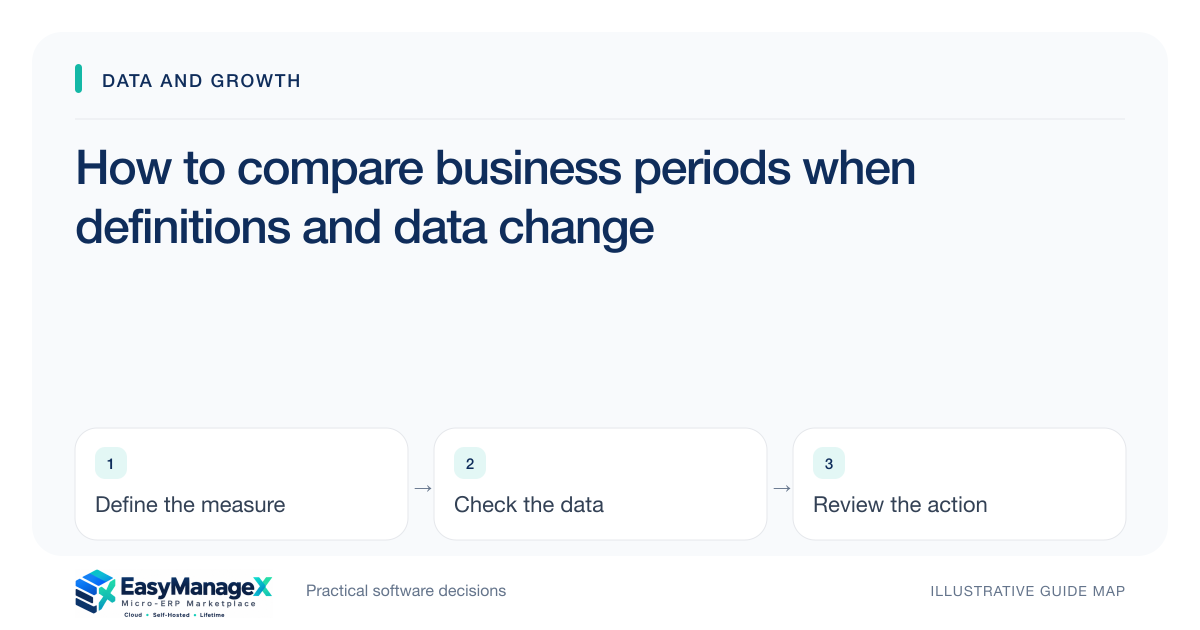
Compare business periods only after checking that the measures use compatible definitions, date bases, populations and data completeness. Identify changes in branch coverage, status rules and record corrections. Use consistent views where practical and disclose remaining differences. A movement in a chart is evidence to investigate, not automatically proof of a performance change.
- Check comparability before interpreting a trend.
- Label incomplete periods and changed populations.
- Separate definition effects from operational changes.
Confirm the decision and comparison unit
State what the comparison should help decide and which unit is being measured. Orders, order lines, revenue records and customer interactions are different populations. A stable title does not guarantee that successive reports count the same thing.
Choose an event date that matches the question. Comparing creation dates in one period with completion dates in another mixes different processes. Publish the selected basis so managers can understand whether the comparison concerns demand, activity or completed outcomes.
Inspect population changes
Check new branches, discontinued services, imported history and changed item groups. A larger total after adding a location may not indicate better performance in the original locations. Consider a comparable-population view when that answers the management question more clearly.
Keep exclusions and missing submissions visible. If one department has not provided its records, label the scope instead of treating absent data as no activity. A complete-looking report can mislead even when its arithmetic is correct for the rows it includes.
Handle open and incomplete periods
An ongoing period has had less time for records to be completed or reconciled. Decide whether the comparison uses the same elapsed boundary, a fixed closed period or another documented method. Do not compare an incomplete week with a fully settled week without explanation.
Account for timing of late records and corrections. A retrospective total may change because new evidence arrived. Preserve the review snapshot when needed and distinguish that historical decision view from a later reconstruction using updated data.
Illustrative scenario: a new distribution branch
An illustrative distributor compares delivered-order counts before and after opening a branch. The combined total rises, but management also wants to understand the original operation. The analyst prepares a consistent view for the earlier branches and labels the new branch separately.
A changed completion definition is also identified: partial deliveries were previously counted as complete. The team reconstructs the comparable measure where feasible and explains remaining limitations. This avoids attributing a definitional increase to stronger fulfilment performance.
Record definition changes deliberately
Keep a versioned definition and effective boundary when calculation or classification rules change. Explain why the change was made and how it affects comparison. Where possible, show both periods under one rule rather than silently combining incompatible definitions.
Do not rewrite history merely to create a smooth chart. Sometimes the right result is an annotated break in comparability. Clear limitations help managers decide whether further analysis is necessary and prevent unsupported confidence in a seemingly continuous trend.
Investigate before making causal claims
Review relevant context such as workload mix, staffing, service changes and unusual events. A trend may be real without being caused by the most recent initiative. Use appropriate operational evidence before attributing the movement to a campaign, process change or software rollout.
Ask the report owner to explain which comparisons remain valid and which require an annotation or separate view. Verify the current definition and saved review scope. If a tool cannot reconstruct an earlier rule, disclose that boundary rather than presenting its latest dashboard as an uninterrupted historical comparison.
Your working checklist
- Choose the decision and comparison unit.
- Confirm a consistent event date.
- Review population and branch changes.
- Label incomplete and corrected periods.
- Preserve definition versions.
- Investigate context before attributing causes.
Common questions
Can we compare an open month with the previous full month?+
You can show both, but label the difference and avoid interpreting them as equivalent periods. Consider a consistent elapsed boundary or another documented method that matches the decision. Check whether late records and completion delays also affect the comparison before drawing a conclusion about performance.
What if an old report definition cannot be reconstructed?+
Preserve what is known and explain the limitation. An annotated break can be more honest than creating an unsupported comparable series. Define the current measure clearly and choose the next review boundary deliberately so future comparisons improve without pretending that uncertain historical data has become reliable.
Does a rising chart prove a new process worked?+
No. The movement may reflect population changes, timing, workload mix or revised definitions, among other factors. Treat it as a prompt to investigate. Use relevant evidence and appropriate analysis before attributing causation, and state the uncertainty when the available records cannot distinguish competing explanations.
Sources and further reading
These primary references explain relevant concepts. Our scenarios and working checklists are original, illustrative guidance.
- IBM: What is enterprise resource planning?
Background on shared operational information; comparison methods here are original recommendations.
Published by EasyManageX as practical, AI-assisted guidance. Examples are illustrative. Confirm software capabilities, licence terms and project-specific requirements before committing. Read our editorial policy.