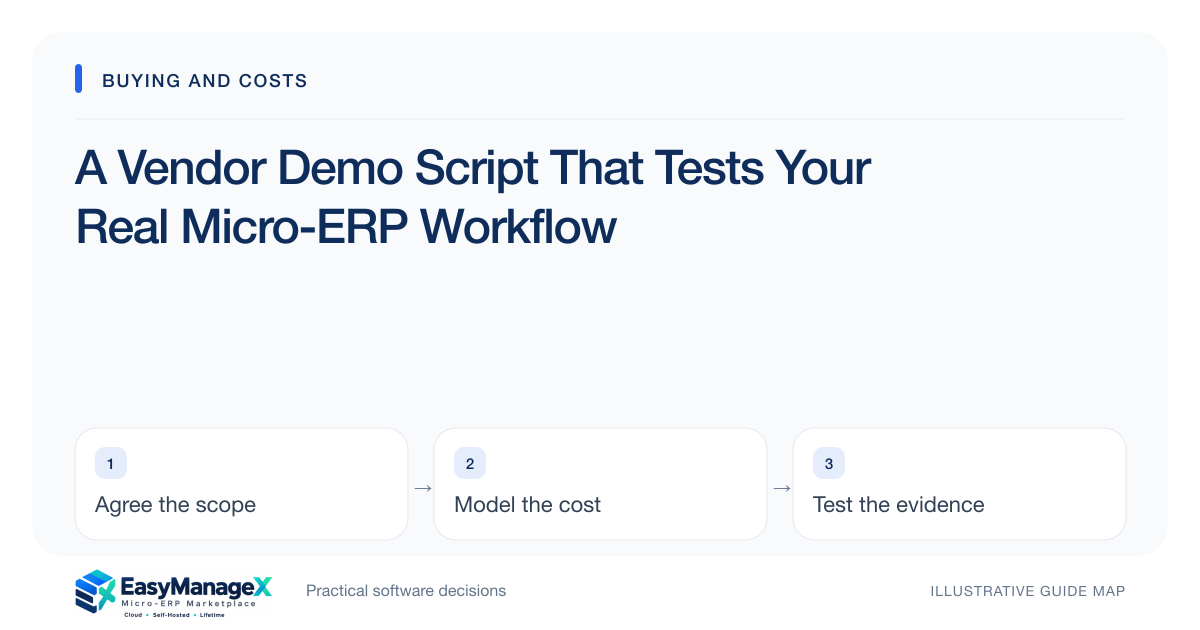
A useful vendor demo follows your process from trigger to completion with representative data, roles and exceptions. Send the scenario beforehand, ask the operator to perform each step, and record evidence against acceptance criteria. Reserve time for corrections, exports and permission failures; those often reveal more than a successful dashboard tour.
- Use one end-to-end workflow as the demonstration spine.
- Ask the vendor to show failures and recovery as well as success.
- Score evidence immediately while the behavior is visible.
Prepare a representative scenario
Choose a workflow that affects the buying decision and can fit in the meeting. Provide sanitized sample records with realistic identifiers and relationships. State the expected outcome, including which downstream person needs the result. Do not share unnecessary personal or confidential operational data for a demonstration.
Request that the vendor identify prerequisites such as particular editions, paid connectors or custom development before the session. This avoids discovering halfway through the walkthrough that the demonstrated environment includes capabilities outside the quoted offer. Keep a separate list of those dependencies in your evaluation.
Give each role a task
Have the demonstration move through requester, reviewer and operator roles where the process needs them. Ask what each person sees and can edit. A vendor administrator account can mask missing permissions and make a workflow seem smoother than it will be for everyday users.
Include a deliberately forbidden action, such as approving one’s own purchase or viewing another branch’s confidential record. Observe the actual result and supporting explanation. Do not request real security attack activity; the purpose is to verify agreed application behavior using controlled test accounts and approved data.
Include correction paths
After the normal transaction, change a meaningful detail. Ask how staff correct a wrong quantity, reject an approval or cancel a partially completed order. Watch whether previous values and status changes remain understandable and whether the correction updates related records without creating unexplained duplicates.
Ask who resolves an integration failure if the scenario uses an external service. The vendor should distinguish native behavior from optional components and manual work. Record a limitation explicitly rather than allowing a verbal promise of future customization to count as demonstrated functionality.
Run an illustrative order
Illustrative scenario: a distributor requests ten units, receives eight and rejects one damaged unit. The demo must show the supplier reference, accepted quantity, unresolved balance and stock effect. A later dispatch then tests whether available quantity matches the agreed receiving result.
The scenario is intentionally more informative than entering a clean order. If the vendor proposes a workaround, have the actual user perform it during the demo. Estimate the extra steps and ownership required, then decide whether the workaround is acceptable within the business’s expected transaction volume.
Capture evidence in a scorecard
For each requirement, record demonstrated, partly demonstrated, unavailable or awaiting evidence. Attach a screenshot or authorized recording where useful, together with the environment and role. Avoid scoring a confident explanation the same as an observed result, particularly for exports, audit history and uncommon exceptions.
Keep usability notes separate from capability judgments. A task may technically work yet take too long or require confusing navigation. Invite operators to describe where they hesitated. Accessibility and device constraints also belong here, especially where staff rely on keyboard navigation or smaller screens.
Close with specific follow-up
Use the final minutes to review unresolved questions, the exact offer that was demonstrated and a date for missing evidence. Request written answers that connect to requirements. Do not allow a broad assurance that the product can do everything to replace documented scope and implementation estimates.
Repeat the same core scenario for every shortlisted candidate. Add candidate-specific questions afterward rather than changing the baseline. EasyManageX can help organize solution categories, but illustrative catalogue descriptions are starting points; the demo and subsequent acceptance tests establish suitability for your proposed workflow.
Your working checklist
- Prepare sanitized representative records.
- Confirm demonstrated edition and add-ons.
- Assign tasks to normal user roles.
- Show a correction and forbidden action.
- Capture results against each requirement.
- Ask the operator to try workarounds.
- Collect written answers for gaps.
Common questions
Should vendors receive the demo script beforehand?+
Yes, if the purpose is to test fit rather than surprise the presenter. Preparation allows representative data and the right specialists to attend. Still ask spontaneous follow-up questions about visible behavior, and distinguish preconfigured demo assistance from what your implementation agreement will actually include.
How long should the demo take?+
Allow enough time to complete one meaningful workflow, its exception path and follow-up questions. The right duration depends on complexity. A focused session with clear tasks is usually more revealing than an unrestricted feature tour, particularly when several candidates must be compared consistently.
Can screenshots replace a workflow demonstration?+
Screenshots can show layout but cannot prove state changes, permission enforcement or linked-record behavior. Use them as supporting evidence. Ask for an interactive demonstration or trial for essential requirements, and record anything that remains untested as unresolved rather than assuming the image establishes capability.
Sources and further reading
These primary references explain relevant concepts. Our scenarios and working checklists are original, illustrative guidance.
- OWASP Authorization Cheat Sheet
Least privilege, deny by default and permission verification.
- W3C Web Content Accessibility Guidelines 2.2
Accessible forms and interfaces; no conformance certification implied.
Published by EasyManageX as practical, AI-assisted guidance. Examples are illustrative. Confirm software capabilities, licence terms and project-specific requirements before committing. Read our editorial policy.