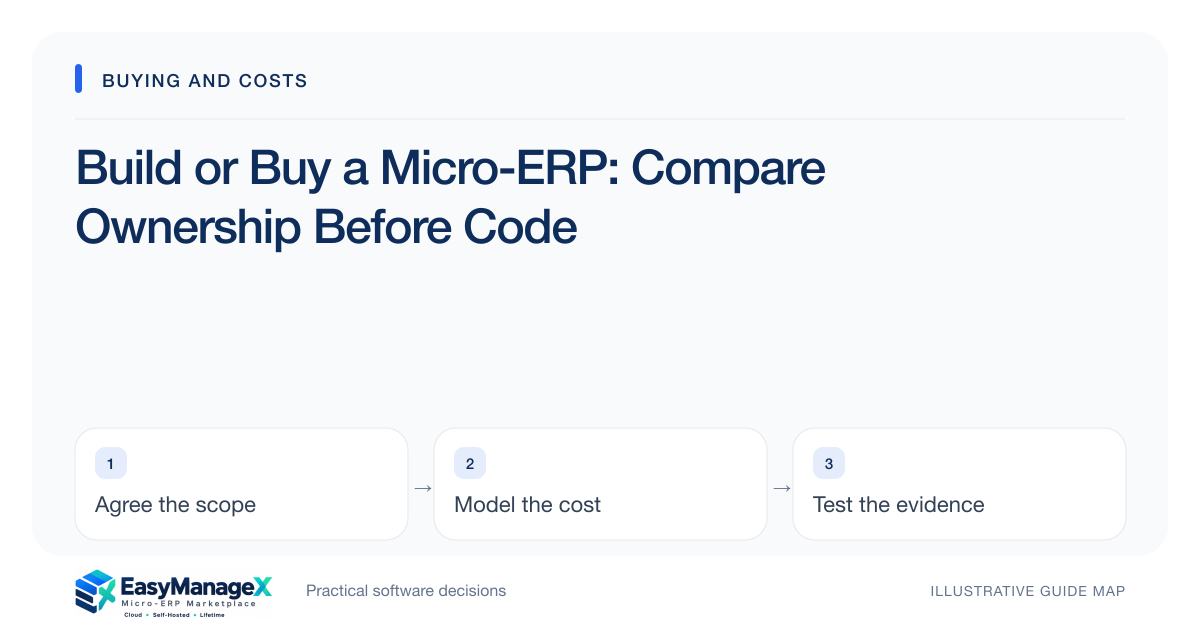
Choose between building and buying by comparing the workflow gap and the ownership burden over time. Buying can provide a supported starting point; building can fit unusual requirements but creates ongoing design, security and maintenance responsibilities. Use a narrow proof of the difficult workflow and a complete cost model before committing.
- Build around a verified gap rather than an assumed need for uniqueness.
- Include maintenance and staff continuity in the comparison.
- Compare a workable bought option against a bounded build prototype.
Define the genuinely unusual requirement
Document which part of the workflow available candidates cannot handle and why it matters. Distinguish a business rule from a preferred screen layout. A custom approval sequence may be crucial; a familiar spreadsheet color scheme probably does not justify creating and maintaining a whole application.
Explore configuration and integration before deciding the gap requires new software. Ask for demonstrations rather than assuming standard products are inflexible. At the same time, avoid forcing a critical process into a workaround that causes repeated reconciliation, duplicated records or unclear ownership across teams.
Compare lifecycle responsibilities
For a build, list product decisions, hosting, backups, access controls, testing, upgrades and support. For a purchase, list supplier dependencies, internal administration, integration maintenance and commercial constraints. Neither path removes ownership; it changes which responsibilities your organization and suppliers carry.
Examine staff continuity. If a custom system depends on one developer, plan documentation, code access and a second capable maintainer. If a bought system depends on one reseller, understand the actual application’s support path and exports. Evaluate the ability to continue operating after personnel or supplier changes.
Use a bounded proof
Prototype the difficult interaction using realistic records and clear acceptance checks. Avoid building dashboards and decorative pages before the uncertain rule is solved. The proof should tell you whether the proposed approach can complete the workflow, not whether a polished interface can be assembled quickly.
Use the same scenario with purchased candidates. A fair comparison includes each option’s limitations, required configuration and handoffs. Record prototype shortcuts explicitly; a local proof without backups, role checks and support is not a production application, even if the central transaction works.
Examine an illustrative decision
Illustrative scenario: an installation company needs survey approval, equipment reservation and staged project handover. Candidate software handles tasks and stock, but the handover approval remains unresolved. The company compares a small extension with a custom whole-system build instead of treating both approaches as equally scoped.
The extension can preserve existing record ownership if its interface is reliable. A separate custom system could create two stock ledgers and additional reconciliation. The decision therefore depends on the integration boundary and maintainability, not just the initial coding estimate or licence charge.
Model the real cost and delay
Include discovery, data migration, testing, training and launch support in both options. For custom software, reserve capacity for defects and future changes; for bought software, include upgrades and connector costs. Label uncertain figures and compare a realistic operating period rather than the first invoice.
Account for delay without inventing revenue promises. Describe which operational problems continue while implementation is underway and what temporary process is required. A faster candidate may be worthwhile when it solves the essential workflow safely, while a rushed build can transfer today’s problem into tomorrow’s maintenance backlog.
Set a decision and exit gate
Agree what evidence allows each option to advance. For a build, require ownership of code, documentation and operational access according to the agreement. For a purchase, require confirmed capabilities and usable exports. Arrange appropriate review of contracts rather than assuming technical access establishes all commercial rights.
Choose the smallest maintainable solution that meets essential needs and can evolve. EasyManageX categories can help define the functions to investigate; catalogue samples are not proof of available products. Revisit the build-versus-buy decision when the verified gap changes, rather than defending an early preference indefinitely.
Your working checklist
- Write the candidate workflow gap.
- Try configuration before assuming a build.
- Compare identical acceptance scenarios.
- Assign maintenance and support owners.
- Budget migration and operational work.
- Record prototype limitations.
- Define usable exit evidence.
Common questions
When is custom software worth considering?+
Consider it when a verified, important workflow gap cannot be handled reasonably by supported products or extensions, and the organization can maintain the result. Prove the difficult part first. A unique business does not automatically require a unique implementation for every supporting function.
Can we buy now and build later?+
Possibly, if the initial choice keeps data accessible and its integration boundaries are understood. Avoid treating temporary software as disposable when it will hold important history. Document what records it owns and what a later transition would require before introducing it to live operations.
Does owning source code make the system maintainable?+
Source access helps, but maintainability also requires documentation, reproducible deployment, tests, operational knowledge and qualified people. Ask another maintainer to perform a controlled change or recovery exercise. A repository alone cannot prove that the organization can safely operate and evolve the application.
Sources and further reading
These primary references explain relevant concepts. Our scenarios and working checklists are original, illustrative guidance.
- IBM: What is enterprise resource planning?
ERP integration and shared operational data; vendor-neutral original guidance in our articles.
- AWS Well-Architected Cost Optimization Pillar
Cost ownership and measuring resource spending, not ERP price benchmarks.
Published by EasyManageX as practical, AI-assisted guidance. Examples are illustrative. Confirm software capabilities, licence terms and project-specific requirements before committing. Read our editorial policy.