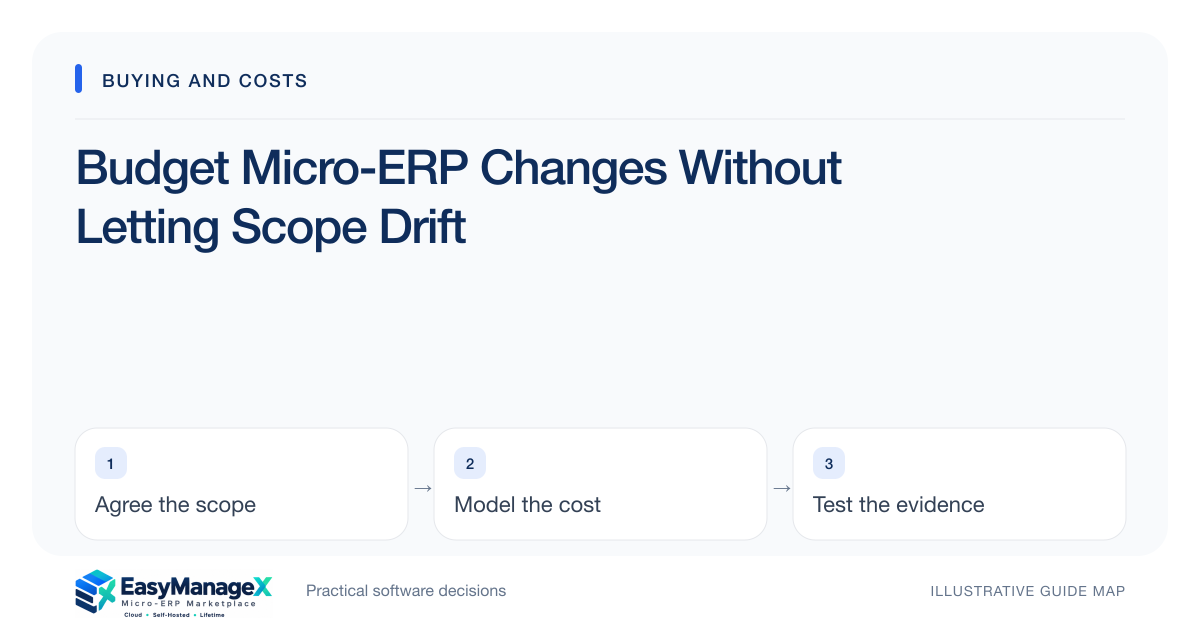
A change budget supports justified adjustments while protecting essential scope. Record each request’s problem, affected workflow, cost, delay and acceptance impact. Use contingency for identified uncertainty rather than an unlimited feature reserve. A named decision owner should approve significant changes and keep the cost worksheet and rollout plan aligned.
- Connect every change request to a concrete operating problem.
- Show cost, schedule and retesting impacts together.
- Keep contingency separate from speculative feature additions.
Baseline the agreed work
Write the selected scope, assumptions and deliverables before implementation begins. Include what your team provides and what the supplier completes. A baseline need not be rigid, but it gives new requests a reference. Without it, people can disagree about whether a feature was promised or added later.
Keep essential acceptance cases attached to the baseline. If a requirement changes, identify which tests, training and integrations also change. This prevents an apparently small interface request from quietly altering data relationships or permission rules that other teams depend on during daily work.
Capture the reason for a request
Ask the requester to describe the problem, its frequency and the desired result. A proposed solution can be included, but should not substitute for the problem statement. Sometimes better training, a report filter or a supported setting resolves the need without expanding the application’s maintenance burden.
Classify the request as defect, missing agreed requirement, scope addition or clarification. The distinction influences responsibility and estimation, so use documented evidence and appropriate commercial review. Avoid automatically charging every issue as a change or assuming every newly discovered preference belongs to the original scope.
Estimate the whole impact
Request development or configuration effort, operational delay, data effects, training and retesting. Include ongoing maintenance if custom work is proposed. A low coding estimate can omit the larger task of reconciling existing records or proving a new rule works across all user roles and exception paths.
Identify dependency timing. A change near cutover may force a migration rehearsal or acceptance cycle to repeat. Compare the benefit with postponing the request until after launch. The safest decision may be to defer a desirable feature while completing the already verified essential workflow.
Use an illustrative request
Illustrative scenario: a project studio asks for approval by both client lead and finance after its original plan used one internal reviewer. The request changes role permissions, task status transitions and the meaning of a ready-to-invoice report. The team evaluates all three effects before approving the work.
It keeps the original reporting acceptance case and adds a returned-approval scenario. The change budget includes updated training and a test cycle, not just the new buttons. This example shows why a visible interface adjustment can have wider workflow consequences without implying a particular implementation price.
Treat contingency deliberately
Set a contingency based on known uncertainties such as inconsistent source records or an unproven connector. Label the planning rationale. Do not claim a universal percentage suits every project. As trials and rehearsals reduce uncertainty, update the reserve and record why money is released or reassigned.
Require approval to use contingency, with a short explanation of the uncertainty that materialized. Distinguish it from a separately approved enhancement budget. This preserves visibility and helps the sponsor understand whether spending is resolving necessary implementation work or adding discretionary capability.
Review and communicate decisions
Maintain a change log with request, decision, estimate, owner and acceptance update. Review it at regular implementation checkpoints and before major commitments. Inform affected operators when a decision changes their task or training; silent configuration changes can create avoidable confusion during an already demanding rollout.
Update total cost and schedule forecasts immediately after approval. EasyManageX content and categories can inform planning, but illustrative catalogue listings do not define a supplier’s change policy. Use the actual proposal and appropriate review to agree how changes become deliverables, costs and ongoing responsibilities.
Your working checklist
- Write the baseline and exclusions.
- Capture each request’s operating problem.
- Classify defect versus added scope.
- Estimate training and retesting effort.
- Name the change decision owner.
- Tie contingency to known uncertainty.
- Update cost and acceptance records.
Common questions
How large should a contingency be?+
Base it on the project’s actual uncertainty and organizational budgeting practice, rather than a universal percentage. A clean, rehearsed migration differs from one with inconsistent source records and an unproven integration. Record the rationale and revise the reserve when evidence changes the risk picture.
Should all new requests wait until after launch?+
No. A newly discovered essential control or unsafe workflow may need resolution before launch. Evaluate its impact and ownership explicitly. Desirable enhancements can often wait, especially if introducing them would invalidate completed migration rehearsals, training or acceptance evidence close to cutover.
Can a simple change log be enough?+
Yes, if it records the problem, decision, owner, cost, timing and acceptance effect clearly. The format is less important than disciplined use. Keep it accessible to the sponsor and implementation team, and connect approved changes to updated tests and operating documentation.
Sources and further reading
These primary references explain relevant concepts. Our scenarios and working checklists are original, illustrative guidance.
- AWS Well-Architected Cost Optimization Pillar
Cost ownership and measuring resource spending, not ERP price benchmarks.
- IBM: What is enterprise resource planning?
ERP integration and shared operational data; vendor-neutral original guidance in our articles.
Published by EasyManageX as practical, AI-assisted guidance. Examples are illustrative. Confirm software capabilities, licence terms and project-specific requirements before committing. Read our editorial policy.