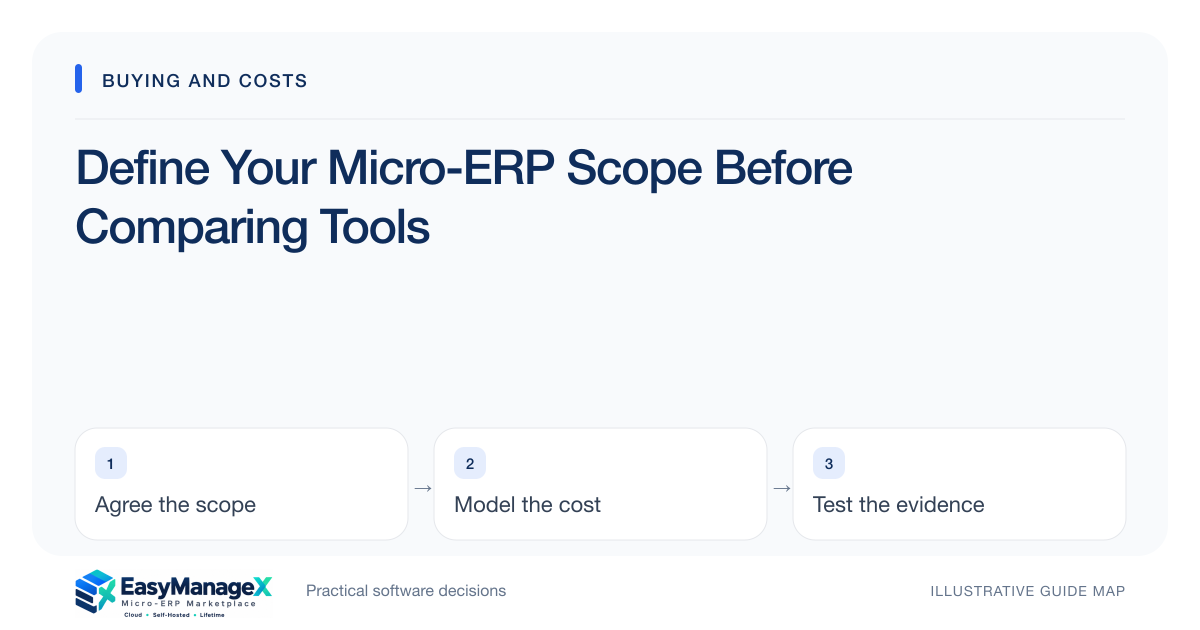
A useful micro-ERP scope names the business process, its start and finish, the people involved and the records that must remain consistent. Choose a small set of connected workflows, document exceptions, and specify evidence for acceptance. A module list alone does not show whether software will solve your actual operating problem.
- Name one accountable process owner for each workflow.
- Separate essential outcomes from convenient interface features.
- Require a worked exception case before approving scope.
Start with the handoff that fails
Describe a recent operational failure without jumping to a screen design. For example, a sales order might reach dispatch before credit approval, leaving staff to telephone three people. Record the trigger, delay, consequence and current workaround so reviewers understand the problem being purchased away.
Measure the starting condition using available records: unassigned requests, duplicate entries or time between approval and dispatch. These are local observations, not promised software improvements. They help decide whether an inventory requirement is essential or whether an approval rule deserves attention first.
Draw the process boundary
Write where the proposed workflow begins and ends. Order entry may begin after an accepted quotation and end when fulfilment confirms dispatch. Payment reconciliation might belong to another system. Explicit boundaries prevent an apparently small module purchase from becoming an unplanned accounting replacement.
List every external handoff beside its owner. A spreadsheet export, courier booking or accountant review still exists even if it happens outside the application. Specify its record identifier, required timing and error owner; otherwise an interface can look complete while important work falls between teams.
Define records and exceptions
For each critical record, identify the business key, mandatory fields and allowed status changes. An order needs more than a customer name: consider order number, location, quantities, approval state and cancellation reason. Avoid collecting additional fields merely because a demo displays them.
Include the cases that cause disagreement today. Test a partially dispatched order, a duplicate customer, an item substitution and an approval returned for correction. State who resolves each case and what must remain visible afterward. Normal transactions rarely reveal the full cost of an unsuitable workflow.
Use a small illustrative scope
Illustrative scenario: a wholesaler starts with purchase receiving, available-stock lookup and dispatch confirmation at one warehouse. Customer credit and bookkeeping remain with named existing owners. The scope includes supplier references and partial receipts because staff already encounter those cases weekly.
The company postpones a sales dashboard until stock movements reconcile. This is a sequencing decision, not a rule against analytics. Its first acceptance pack contains two received orders, one damaged delivery, one transfer and a physical count comparison, keeping the trial grounded in real work.
Classify requirements honestly
Use essential, desirable and later categories with an explanation for each essential item. A requirement is essential when failing it prevents the agreed process or creates an unacceptable operating risk. A color preference usually belongs elsewhere, even if a senior reviewer strongly prefers it.
Keep assumptions separate from requirements. A vendor may demonstrate an integration, but the necessary account permissions or subscription tier may still be unknown. Mark that dependency as unverified and request evidence. EasyManageX catalogue entries are exploration references; their descriptions do not establish implementation availability.
Make the scope reviewable
Turn the final scope into a one-page statement supported by a short scenario pack. Include exclusions, named owners, acceptance checks and unresolved dependencies. Ask users to walk through it aloud; missing returns or end-of-day work often becomes obvious when the whole process is narrated.
Compare candidates against this same document rather than collecting unrelated demonstrations. If the scope changes, record why and update every candidate’s evaluation. A stable review baseline makes pricing and implementation discussions more useful because everyone is estimating the same job.
Your working checklist
- Write the trigger and completion state.
- List essential records and identifiers.
- Capture three existing exceptions.
- Assign every external handoff.
- Mark assumptions requiring vendor evidence.
- Get process-owner sign-off.
Common questions
How many modules should the first scope include?+
Include only modules needed to complete the chosen workflow without creating a broken handoff. There is no universally correct count. Three closely connected functions can be easier to introduce than one module that depends on undocumented work in several existing systems.
Should all departments approve the scope?+
Ask affected departments to review their own handoffs, data and permissions. One accountable sponsor should resolve conflicting priorities. Requiring everyone to approve every detail can stall the project; excluding downstream users can leave necessary reconciliation or reporting requirements undiscovered until launch.
Can I compare tools before documenting scope?+
Early browsing helps you learn terminology and possibilities. Use it to form questions, then write your own boundaries before requesting detailed proposals. Otherwise attractive demo features can quietly redefine the project and make prices appear comparable when vendors are estimating different work.
Sources and further reading
These primary references explain relevant concepts. Our scenarios and working checklists are original, illustrative guidance.
- IBM: What is enterprise resource planning?
ERP integration and shared operational data; vendor-neutral original guidance in our articles.
Published by EasyManageX as practical, AI-assisted guidance. Examples are illustrative. Confirm software capabilities, licence terms and project-specific requirements before committing. Read our editorial policy.