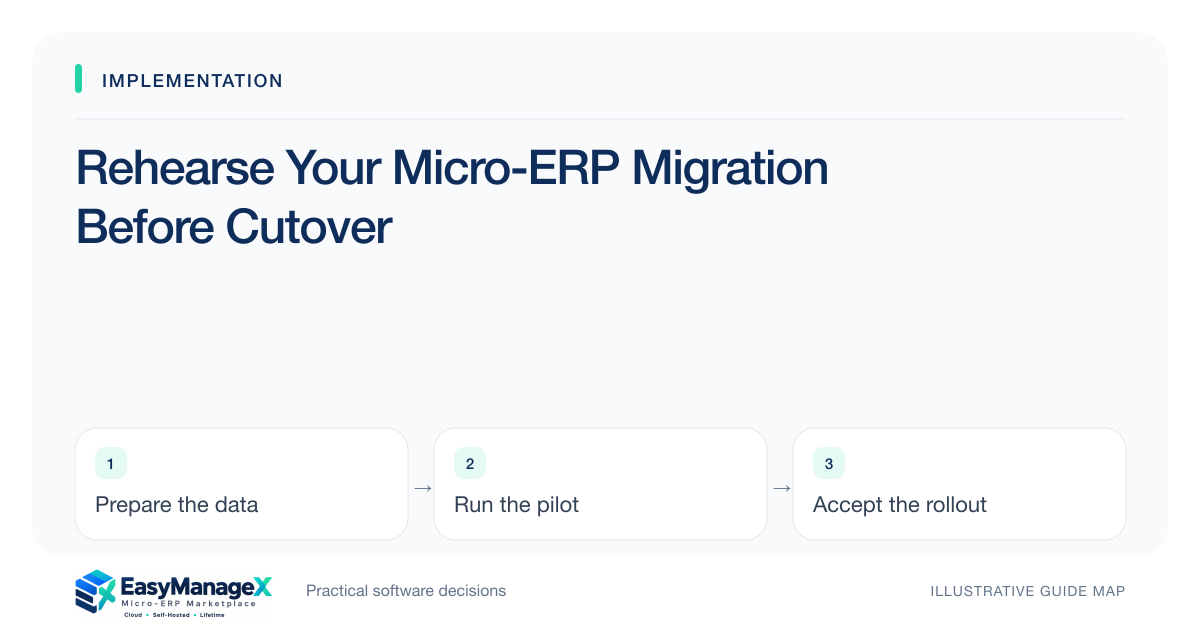
Before migration, list where each required record lives, who owns it and which source is authoritative. Include attachments, open transactions and relationships, not just master spreadsheets. Record quality issues and access needs, then decide what will migrate, remain archived or be excluded. A source inventory prevents cleanup and mapping from starting blindly.
- Choose one authoritative source for each required record type.
- Include linked files and open work in the inventory.
- Separate migration decisions from archive and retention decisions.
List sources by business record
Start with customers, items, suppliers, projects and transactions required for the selected scope. For each, list applications, spreadsheets and file folders holding relevant data. A file-level list alone misses the possibility that one spreadsheet contains several record types or that one record is split across sources.
Ask the people who actually maintain the records. A shared drive may contain an old official export while operators use a newer local file. Record ownership and last update information without declaring a source reliable merely because its filename says final or its folder looks organized.
Identify relationships and files
List the keys that connect records: order number, project code, supplier identifier or item code. Confirm whether those keys are stable and unique enough for mapping. Human-readable names are convenient but can change or repeat, making them a poor basis for reconstructing linked operational history.
Include attachments, images and supporting documents where the workflow requires them. Record how files are linked, how large the collection is and which access restrictions apply. Migrating a customer table without its necessary case documents can leave users with technically imported but operationally incomplete records.
Use an illustrative inventory exercise
Illustrative scenario: a rental team has an asset spreadsheet, booking records in an application and return-condition photos in dated folders. It discovers that photo names reference booking numbers, while the asset sheet uses internal serial codes. The migration plan must preserve both relationships instead of merging by item description.
The team first scopes active bookings and serviceable assets. Older history remains a separately reviewed archive question. This staged choice reduces immediate mapping uncertainty without implying a universal retention rule or assuming old records can simply be deleted. Relevant policy decisions stay with accountable organizational owners.
Record quality and access constraints
For each source, note format, export access, date conventions, units, code definitions and obvious quality problems. Ask whether a snapshot can be obtained consistently and who authorizes it. A read-only account may allow visible reporting but not the export required for migration.
Identify timing constraints such as a monthly close or active transaction changes. If sources continue changing during cleanup, define refresh and reconciliation procedures. Treat access delays and unclear ownership as implementation dependencies with owners, rather than discovering them when the cutover weekend has already begun.
Approve the migration inventory
Create a concise register with record type, source, owner, authority, scope decision and issue status. Have process owners review it before field mapping. The register should explain exclusions so omitted records are intentional, not accidental consequences of an inconvenient file format or forgotten folder.
Use it to estimate cleanup, import and validation work. EasyManageX solution categories can help identify data domains, but catalogue samples do not establish a migration service. Candidate-specific import support, access and responsibilities still require verification against the sources your organization actually holds.
Your working checklist
- List sources for each record type.
- Name the authoritative owner.
- Count records and profile issue categories.
- Identify stable relationship keys.
- Include required attachments.
- Record export and snapshot access.
- Approve migration and archive boundaries.
Common questions
Should all historical data migrate?+
Not automatically. Decide which history the live workflow needs and what can remain in an interpretable archive. Consult accountable owners for retention and other obligations. Migrating unnecessary history can increase cleanup and validation effort, while omitting needed open work can make the new system unusable.
What if two files disagree?+
Assign a business owner to resolve the conflict using documented rules and available evidence. Do not let the import order decide silently. Record the chosen authority and correction rationale, particularly for identifiers, open quantities or amounts that downstream reports and transactions will depend on.
Is a list of spreadsheets enough?+
It is a useful start, but include record types, ownership, relationships, quality issues and attachments. Also identify data in applications and local folders. The purpose is to understand what the migration needs and where it comes from, not simply to count files on a shared drive.
Sources and further reading
These primary references explain relevant concepts. Our scenarios and working checklists are original, illustrative guidance.
- ERPNext documentation: Data Import
Templates, validation errors, record keys and CSV imports. This is further reading, not a claim about EasyManageX products.
- IBM: What is enterprise resource planning?
ERP integration and shared operational data; vendor-neutral original guidance in our articles.
Published by EasyManageX as practical, AI-assisted guidance. Examples are illustrative. Confirm software capabilities, licence terms and project-specific requirements before committing. Read our editorial policy.