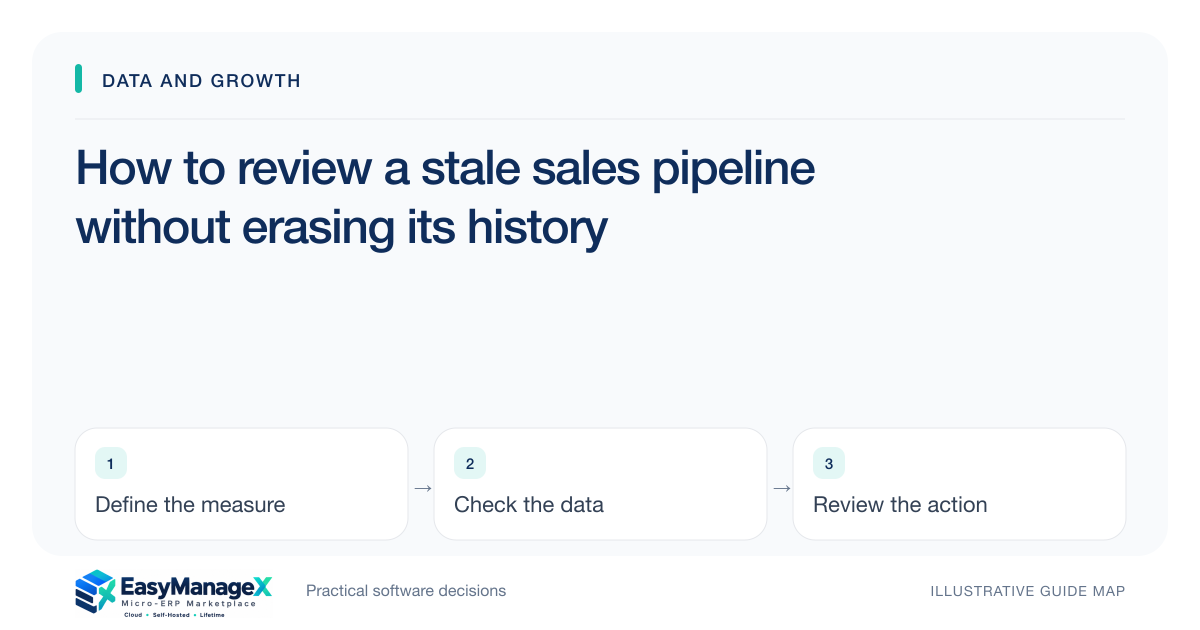
Review stale opportunities by checking the last meaningful customer interaction, current stage evidence and next agreed commitment. Decide whether each record needs renewed contact, a pause, closure or a corrected stage. Preserve the reason and history. Repeatedly extending follow-up dates keeps the board busy but does not establish current buying intent or a reliable forecast.
- Measure meaningful customer activity rather than internal edits.
- Choose a review outcome for every stale record.
- Preserve closure reasons for future learning.
Define stale for your sales cycle
A short purchasing cycle and a complex project need different inactivity rules. Define the review trigger by stage and expected interaction, not only by age since record creation. A scheduled decision next month may justify inactivity that would be concerning after a promised callback.
Choose which events count as meaningful activity. Editing a description or sending an unanswered automated message may not provide evidence of customer engagement. Keep administrative updates distinguishable from a new conversation or an accepted next commitment.
Read the evidence before sorting records
Inspect the last conversation, outstanding question and reason for the current stage. A proposal stage without evidence that the customer requested a proposal may need correction rather than another chase. Review quality matters more than removing old rows quickly.
Check whether the owner is still responsible and available. Stale records can accumulate after staff changes or territory reassignment. Reassign them deliberately with context so the receiving seller knows what was promised and what remains uncertain.
Choose distinct review outcomes
Revive when there is a useful reason to re-engage. Pause when the customer has a documented future trigger. Close when current intent or fit no longer supports an active opportunity. Retain as active only when the evidence justifies the stage and commitment.
Write the next action for each outcome. A pause should have a review condition; a revived record needs a contact purpose; a closure needs an understandable reason. Moving records to a hidden status without these details merely relocates the uncertainty.
Illustrative scenario: an old consultancy proposal
An illustrative consultancy finds a proposal that has remained active after its original sponsor changed jobs. The last meaningful interaction was a discussion of requirements, and there is no evidence that the replacement sponsor accepted the scope or timing.
The owner contacts the account to confirm whether the project remains a priority. Until that conversation happens, the record is reassessed rather than treated as a likely close. If the work is postponed, the team records the stated trigger for another review instead of inventing a new closing date.
Keep reporting changes explainable
A cleanup can lower pipeline value even though the underlying market did not suddenly deteriorate. Note that records were reassessed and preserve the before-and-after definition where important. Otherwise managers may attribute the change to recent seller performance or demand without evidence.
Compare open opportunities using consistent stage and currency assumptions. Do not treat summed estimates as guaranteed future revenue. The report should reveal confidence, missing evidence and review outcomes appropriate to the decision it supports.
Prevent the same backlog from returning
Add a modest review routine for overdue commitments and unsupported stages. Coach sellers on useful next actions and give managers a way to resolve ambiguous records. Excessive mandatory fields can encourage superficial updates, so review whether each field improves the conversation.
Test whether a seller and manager can reconstruct why an opportunity was paused, revived or closed from the review output. Preserve the relevant activity and stage references in exports. The goal is accountable reassessment; automation that merely updates dates cannot establish renewed buying intent.
Your working checklist
- Define inactivity rules by stage.
- Choose meaningful-activity events.
- Check ownership after staff changes.
- Assign revive, pause or close outcomes.
- Record reasons and review triggers.
- Explain cleanup effects in reports.
Common questions
Should all old opportunities be closed?+
No. Age alone does not show whether a buying situation remains valid. Review the latest evidence, decision timing and agreed commitments. A long-running opportunity can be credible, while a newer one may already be unsupported. Use a documented review rule rather than automatically deleting everything beyond a fixed age.
Does sending a reminder make an opportunity active again?+
It records an outreach attempt, but it does not necessarily establish customer engagement. Keep the event’s meaning clear and review whether a reply or accepted commitment follows. Otherwise repeated reminders can reset an inactivity measure while the underlying buying situation remains unchanged and uncertain.
Why retain lost and paused opportunity history?+
It helps colleagues understand previous requirements, decisions and timing without restarting discovery from memory. It can also support review of recurring qualification gaps. Retain information proportionately under your data policies and avoid assuming a closed opportunity is permanently unsuitable; circumstances may change with a new request.
Sources and further reading
These primary references explain relevant concepts. Our scenarios and working checklists are original, illustrative guidance.
- ERPNext documentation: Lead
Further reading on lead records and follow-up context.
- IBM: What is enterprise resource planning?
Background on business data used in management review.
Published by EasyManageX as practical, AI-assisted guidance. Examples are illustrative. Confirm software capabilities, licence terms and project-specific requirements before committing. Read our editorial policy.