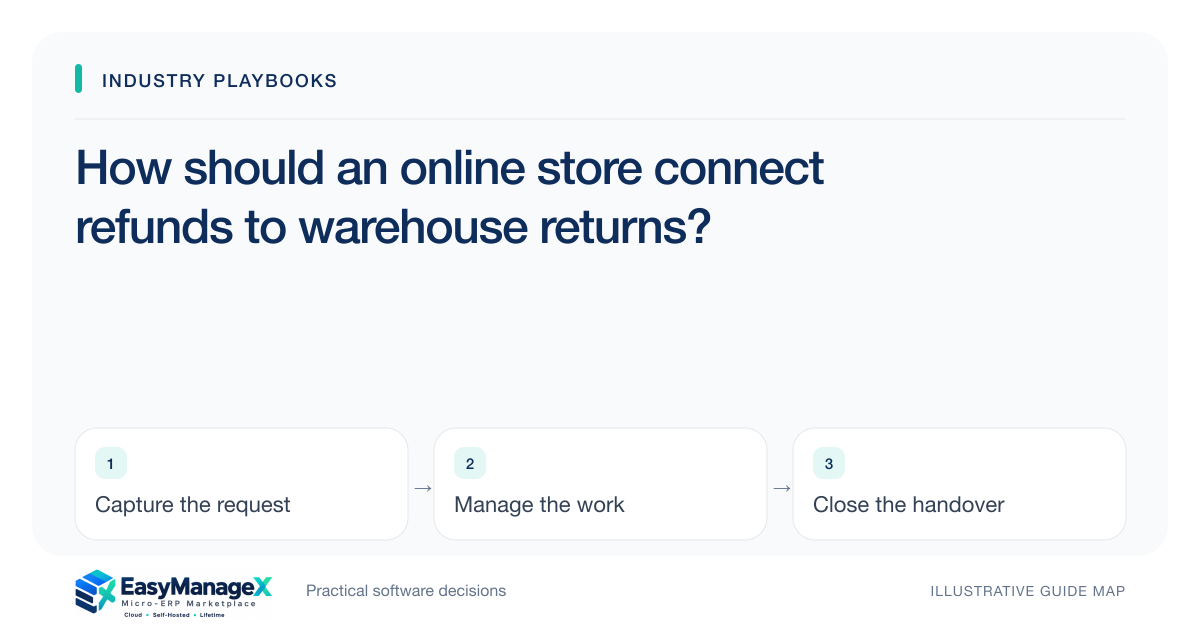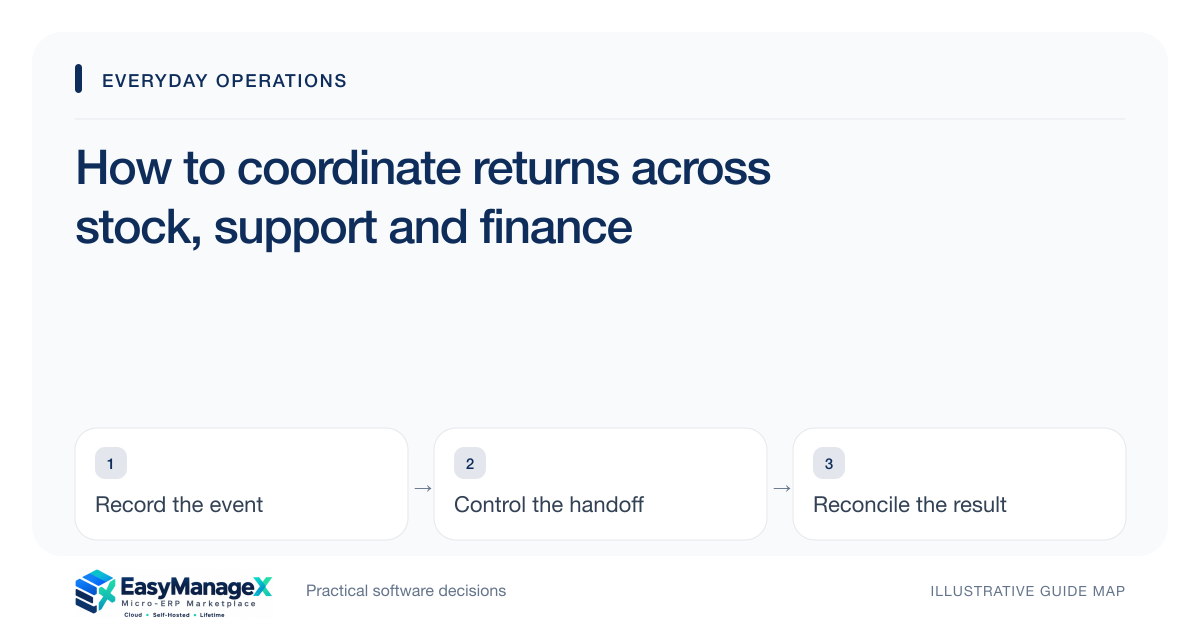
Coordinate returns as linked decisions: whether to accept the request, whether goods arrived, their condition, stock disposition and the financial outcome. Assign an owner for the overall case while preserving each team’s evidence. A refund does not prove the item was received, and a returned item does not automatically become sellable stock or settle the customer’s request.
- Keep return approval distinct from physical receipt.
- Review condition before restoring sellable stock.
- Track the financial outcome separately from stock disposition.
Record the original transaction context
Identify the order or sale, returned item, quantity, requested outcome and reason. Where the original reference is unavailable, use a defined exception path rather than inventing a matching transaction. Preserve the evidence and decision used to accept or decline the request.
Explain the policy in terms staff can apply and obtain appropriate guidance for contractual or legal requirements. This article concerns coordination of records. It does not determine customer rights, mandatory refund treatment or tax adjustments.
Separate approval and receipt events
Approval allows the return under defined conditions; receipt records that goods actually arrived. Keep expected and received quantities distinguishable. An approved request may never result in a physical return, while an unexpected arrival may still need review before acceptance.
Record custody at the receiving point and assign a condition reviewer where needed. Items awaiting inspection should have a clear location or state. Without it, staff may lose track of goods that are physically present but not ready for inventory or financial resolution.
Choose stock disposition from condition
Review whether the item is resaleable, repairable, damaged or otherwise restricted according to your process. Record the accepted disposition and responsible person. Restoring sellable stock automatically on receipt can create inaccurate availability or inappropriate reuse.
Link repair, supplier return or disposal actions when they occur. These are separate operational outcomes with their own completion evidence. A general return-case status should not conceal that one team still has an unresolved physical item.
Illustrative scenario: a damaged appliance return
An illustrative electronics shop accepts a return request and records the original sale reference. The item arrives with damage requiring inspection, so it enters a held location rather than ordinary shelf stock. Customer support retains responsibility for explaining the next review step.
The reviewer approves a defined disposition, while finance records the separately authorised customer resolution. The case tracks both actions until their evidence exists. Marking the item returned and refunded in one step would obscure the inspection and any remaining supplier claim.
Link the financial decision without conflating it
A refund, credit, replacement or declined request needs its own authorisation and evidence under the accepted process. Link it to the return case and original transaction. Keep uncertain payment or incomplete replacement delivery visible rather than treating approval as completion.
Reconcile quantities and references across teams. A partial return can affect only selected lines, and a replacement may create another shipment. The records should allow staff to explain the customer’s remaining position without searching disconnected spreadsheets.
Close the case against its actual outcome
Define the conditions for overall closure based on the accepted resolution. Confirm that stock disposition, communication and financial or replacement actions are complete where required. Unresolved supplier recovery may be a linked follow-up rather than an invisible assumption.
Ask receiving, customer support and finance colleagues to explain the sample return’s remaining actions from its linked records. Confirm physical and financial completion evidence separately, including provider outcomes when required. Customer-policy and tax questions need professional review beyond a successful return-screen demonstration.
Your working checklist
- Link the return to its original transaction.
- Record approved and received quantities.
- Assign custody and condition review.
- Define stock disposition outcomes.
- Track financial or replacement evidence.
- Set overall closure conditions.
Common questions
Should received returns immediately increase available stock?+
Only when the item’s reviewed condition and policy permit it. Goods awaiting inspection or repair should remain distinguishable from sellable inventory. Record the disposition decision so the warehouse can explain availability without assuming that physical receipt alone establishes suitability for another customer.
Can a return case close before the refund is complete?+
It depends on the accepted resolution and your case model. Keep any required financial action visible and attributable. An approved refund is different from completed payment evidence, so avoid a closure rule that leaves the customer-facing obligation unresolved or hides it in another team’s untracked queue.
How should a partial return be represented?+
Keep the returned line quantities linked to the original transaction and distinguish them from goods retained by the customer. Record disposition and financial decisions for the affected scope. This helps staff avoid refunding or restocking the entire sale when only part of it was accepted for return.
Sources and further reading
These primary references explain relevant concepts. Our scenarios and working checklists are original, illustrative guidance.
- Microsoft Learn: Inventory on-hand list
Further reading on stock dimensions and available quantities.
- ERPNext documentation: Quality Inspection
Further reading on condition checks and recorded acceptance.
Published by EasyManageX as practical, AI-assisted guidance. Examples are illustrative. Confirm software capabilities, licence terms and project-specific requirements before committing. Read our editorial policy.