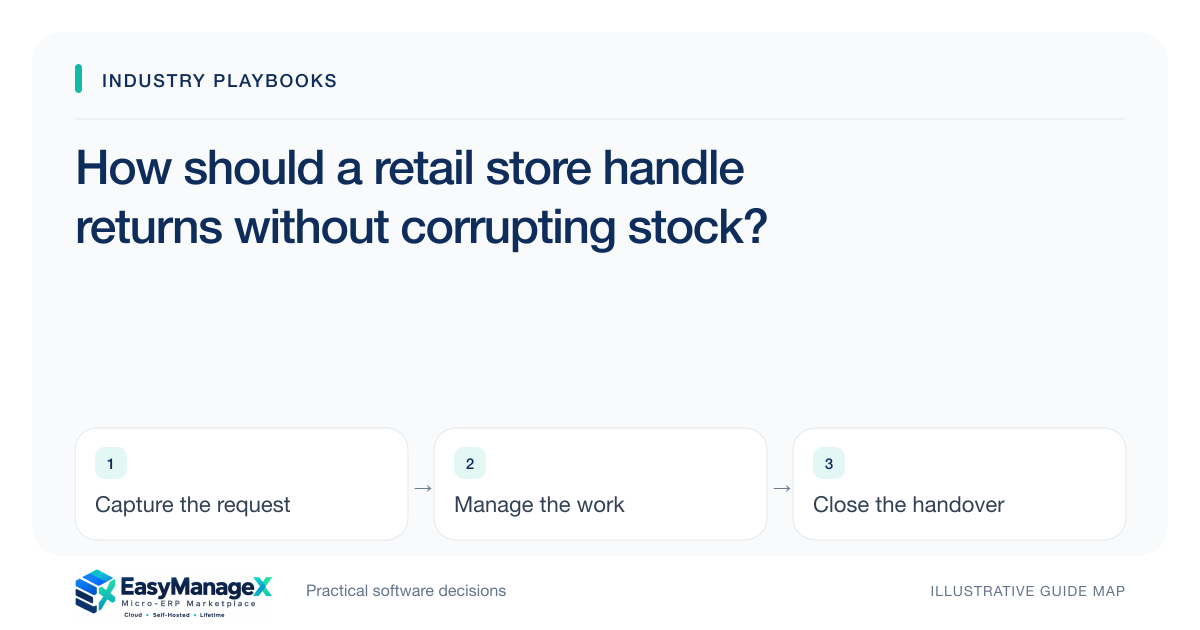
A retail return should create a linked exception record rather than simply reverse a sale. Capture the original receipt, returned quantity, inspection outcome, refund decision and final stock destination. Keep refund approval separate from inventory adjustment, and reconcile both before closing the return so damaged goods cannot quietly reappear as available stock.
- A refund does not automatically make an item saleable.
- Record the receipt and stock destination separately.
- Close returns only after money and quantity reconcile.
Start at the service counter
The first question is whether the returned item can be matched to a recorded sale. Ask staff to capture receipt reference, item code, quantity and the customer’s stated reason. A missing receipt should follow a named exception route rather than disappear into a generic adjustment.
Use one return identifier throughout the process. Photographs, customer conversations, inspection notes and refund records belong against that identifier. This gives the stock team a practical way to find the physical item without searching every sales transaction from the same day.
Separate inspection from the refund decision
Create inspection outcomes such as unopened, opened but reusable, damaged and identity uncertain. Define who may choose each outcome and where the item waits. Staff should never put a questionable return directly onto a selling shelf while waiting for a manager’s response.
A refund decision answers a different question: what customer remedy is approved under the store’s policy? Recording approval does not settle the item’s condition. Track the refund status alongside inspection so a courteous customer resolution cannot accidentally bypass the stock check.
Give every returned unit a destination
The inventory movement needs an explicit destination: available stock, inspection holding area, supplier discussion or disposal review. Record quantity, location and responsible person. If an exchange is offered, represent the returned item and the replacement as separate movements linked to the same case.
Watch for partial returns from a multi-item receipt. The original sale may remain valid for other lines, and a discount may need review by the designated commercial owner. Staff should flag that decision rather than invent a price correction while processing the physical stock.
Illustrative scenario: an opened kitchen appliance
Imagine a neighbourhood shop receives an opened appliance and an intact accessory pack. The counter clerk records both lines, but the appliance’s serial number needs confirmation. The accessory pack moves to inspected stock; the appliance stays in a labelled holding area.
The supervisor approves the customer remedy after reviewing the case. A separate stock user records the appliance’s eventual disposition. This illustrative example shows why a single “refund completed” checkbox is inadequate: the customer conversation and the physical item can reach completion at different times.
Reconcile exceptions at closing time
Use the daily returns list to compare approved refunds, completed payouts and stock movements. Look for refunded cases without a destination and stock credits without approved cases. A small, named queue is easier to investigate than a large spreadsheet of unexplained negative sales.
If a physical count finds a mismatch, append a correction with a reason and reference. Avoid changing the original quantity silently. Preserving the sequence helps a supervisor distinguish an input mistake from a later movement and gives the next shift enough context to act.
Test the workflow before selecting software
Demonstrate an unopened return, a damaged item, a partial return and a duplicate submission. Ask who can approve each step and how a holding location appears in stock availability. Evaluate the workflow with your actual receipt format and a realistic shift handover.
The EasyManageX catalogue contains illustrative concepts, so confirm any required capability through a specific demonstration. Your requirements should name inspection states, refund authority, location tracking and reconciliation outputs. A attractive returns screen alone does not prove that these decisions remain linked when exceptions occur.
Your working checklist
- Name a return owner for each shift.
- Define inspection outcomes and holding locations.
- Require an original receipt reference or documented exception.
- Keep refund approval separate from stock disposition.
- Test partial and duplicate returns.
- Review unresolved return records during daily closing.
Common questions
Can the cashier approve and restock every return?+
That depends on your store’s assigned authority and the condition of the goods. A practical starting point is to separate routine unopened returns from uncertain or damaged items. Give staff a clear escalation path, and verify that an approved refund cannot bypass inspection.
How should an exchange appear in stock?+
Record the incoming return and outgoing replacement as distinct movements linked to one case. This preserves item identities and quantities when the replacement differs from the original purchase. Check that both movements and any approved customer payment adjustment are reconciled before closure.
Which exception should we test first?+
Start with a partially returned receipt containing an opened item. It forces the team to resolve identity, condition, remaining sale lines and refund approval together. Use your real process and sample records, and require the demonstration to show the final stock destination.
Sources and further reading
These primary references explain relevant concepts. Our scenarios and working checklists are original, illustrative guidance.
- Microsoft Learn: Inventory on-hand list
Further reading on inventory dimensions and available stock; relevant to separating saleable returns from quantities awaiting inspection.
Published by EasyManageX as practical, AI-assisted guidance. Examples are illustrative. Confirm software capabilities, licence terms and project-specific requirements before committing. Read our editorial policy.