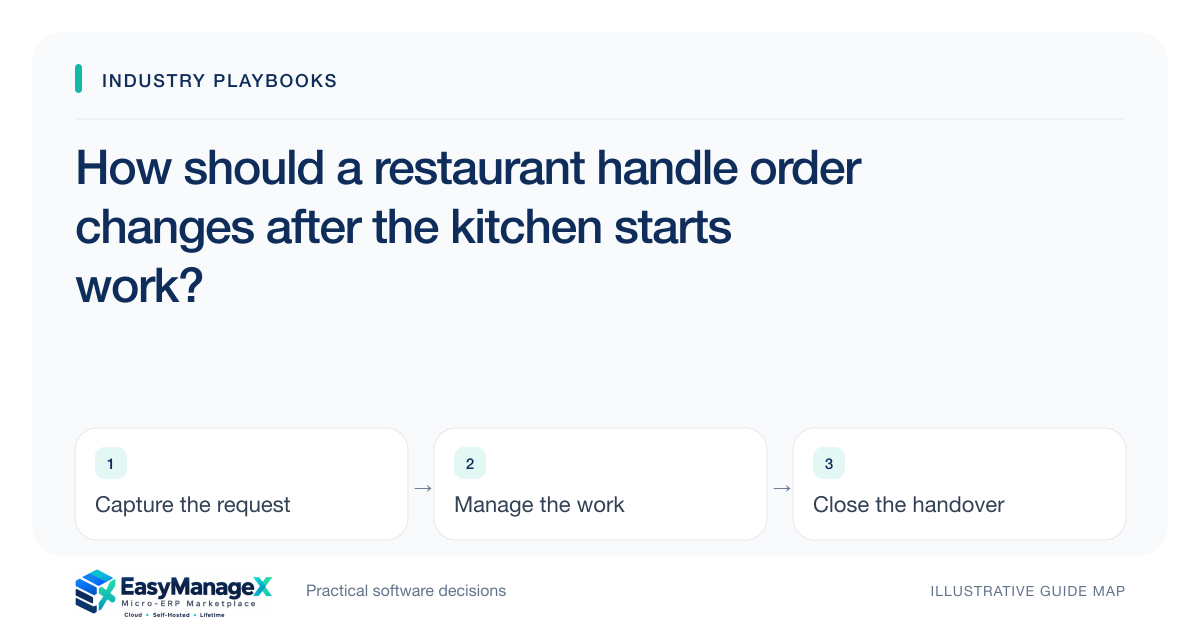
A restaurant order change needs a visible handoff after the kitchen has begun work. Preserve the original ticket, identify changed items and record who acknowledged the update. Keep preparation state, service communication and the commercial adjustment linked, so editing the customer’s order does not silently erase work already underway or create conflicting instructions.
- Editing an order is not proof of kitchen acknowledgement.
- Preserve changes against the original ticket.
- Assign responsibility for unresolved preparation exceptions.
Identify the point where a ticket becomes work
A submitted order is more than a customer list once preparation begins. Establish the states your team actually uses, such as received, acknowledged, preparing and ready for service. Record which station or person is responsible rather than assuming every kitchen user sees every change.
Decide when changes can follow the normal route and when they need direct supervisor review. The practical boundary depends on preparation progress and the restaurant’s service process. Document the handoff rather than relying on a server to remember whether a shouted instruction was heard.
Show what changed without replacing context
An update should identify added, removed or changed items and the related ticket reference. Keep the earlier version available so staff understand why ingredients were already allocated or a dish was started. A refreshed ticket containing only the latest order can hide these operational consequences.
Record the change initiator, time and acknowledgement. If the kitchen cannot accept the proposed change, preserve that response for service staff. They then communicate the confirmed outcome to the customer instead of treating a successfully edited screen as an accepted kitchen instruction.
Separate preparation and commercial decisions
A kitchen exception describes work and materials; a commercial adjustment describes the approved customer outcome. These may require different owners. Keep both linked so a manager can resolve the customer conversation while the kitchen records what actually happened to the affected ticket line.
Use the restaurant’s established procedures for ingredient, allergen and food handling decisions, with responsible qualified personnel. An order note or software flag should support communication without replacing those procedures. Limit the operational record to the relevant instruction and its acknowledgement.
Illustrative scenario: a table changes one dish
Imagine a table requests a different dish after the original item has entered preparation. The server submits a change referencing the ticket line. The station lead records whether it can be accepted and identifies the remaining kitchen work before service confirms the revised order.
The manager records any required commercial decision separately. The original ticket remains traceable for the shift review. This illustrative scenario demonstrates acknowledgement and ownership, not a universal rule about charging, food handling or the appropriate response to a specific dietary request.
Review unresolved tickets during the shift
A useful exception queue shows changes awaiting acknowledgement, prepared items awaiting a service decision and tickets with unresolved commercial adjustments. Give the shift supervisor a clear owner and next action. A long list of edited orders does not identify which conversations still need attention.
At handover, review open exceptions with the incoming supervisor. Keep the ticket reference and customer-facing outcome available. This prevents a later employee from recreating a cancelled item or repeating a promise that the kitchen never accepted.
Evaluate a change during active preparation
Ask for a demonstration in which one station has started work and another has not. Change an item, require acknowledgement and inspect the service view. Include a rejected change and a reopened ticket, because a clean first submission reveals little about exceptions.
EasyManageX catalogue concepts are illustrative. Validate ticket history, station routing and acknowledged changes using your actual kitchen arrangement. Choose the simplest states staff can reliably maintain during service; extra status choices are unhelpful when no one owns the resulting handoff.
Your working checklist
- Define kitchen acknowledgement and preparation states.
- Link changes to original ticket lines.
- Assign acceptance authority for late changes.
- Separate preparation exceptions from commercial adjustments.
- Create a queue for unacknowledged updates.
- Test a rejected change during active preparation.
Common questions
Is printing an amended ticket enough?+
An amended ticket can communicate the request, but it does not establish that the responsible station accepted it. Define acknowledgement and escalation for changes made after preparation begins. Preserve the original ticket and record the kitchen response so service staff can explain the confirmed outcome.
Who should approve a late order change?+
Assign authority according to the restaurant’s preparation and service process. A station lead may confirm operational feasibility while a supervisor handles the customer decision. Record both responsibilities rather than allowing any edited order to appear automatically accepted by every person involved.
What belongs in a shift exception report?+
Include the ticket, changed line, preparation state, acknowledgement, responsible owner and unresolved customer outcome. Use it to identify actions still required. Avoid collecting irrelevant customer detail, and retain the history needed to explain the decision without turning the report into a duplicate order book.
Sources and further reading
These primary references explain relevant concepts. Our scenarios and working checklists are original, illustrative guidance.
- IBM: What is enterprise resource planning?
Background on shared operational records; relevant to connecting restaurant order changes across preparation, service and commercial handoffs.
Published by EasyManageX as practical, AI-assisted guidance. Examples are illustrative. Confirm software capabilities, licence terms and project-specific requirements before committing. Read our editorial policy.