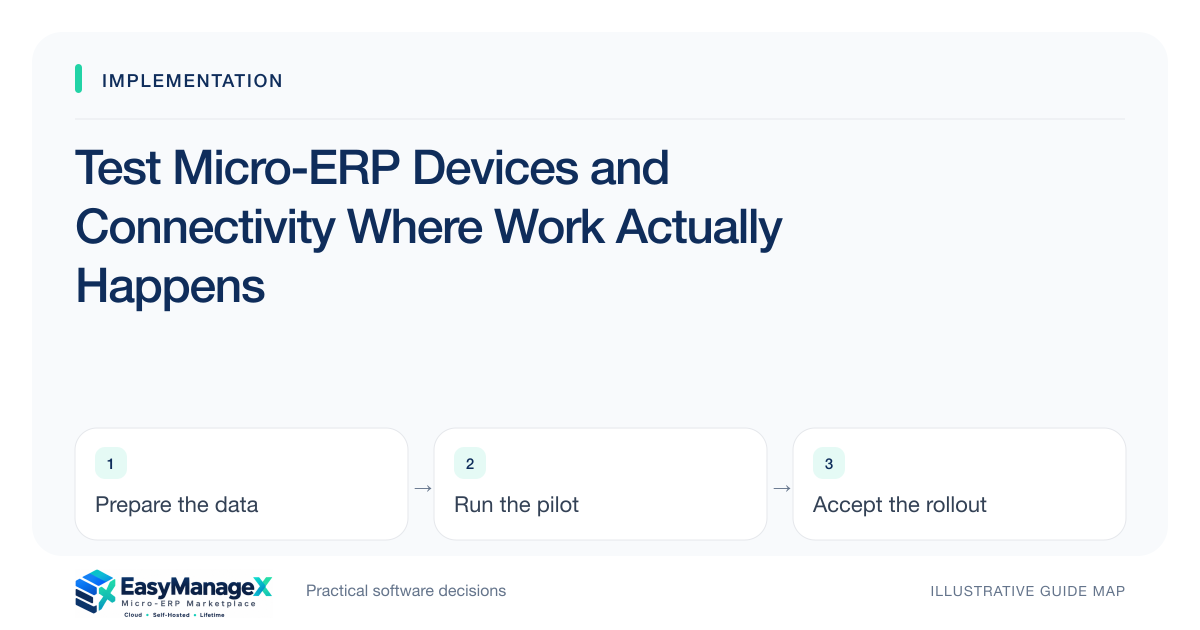
Device acceptance tests the actual task on the devices and connections users will rely on. Include screen readability, keyboard operation, scanners or printers where relevant, and interrupted transactions. Record supported environments and observed limits. A desktop demonstration cannot establish that a warehouse tablet or a field connection supports the intended workflow.
- Test real tasks on intended devices and network conditions.
- Check interrupted transactions for uncertain completion.
- Distinguish responsive layout from usable operational behavior.
Inventory the operating environment
List device types, browsers, operating systems, peripherals and network locations used by the selected workflow. Include shared stations and older devices that will remain in service. Ask the candidate about supported environments and record those limits before planning acceptance or assuming every existing device is suitable.
Identify where workers actually use the system: a bright shop floor, busy checkout, warehouse corner or customer site. Practical conditions affect readability and input. An office demonstration may be technically representative of the application but still miss the environment in which staff must complete their tasks.
Test the complete task
Have users perform entry, correction and handoff on each meaningful device class. Include selecting related records, reviewing errors and confirming the resulting state. A page fitting within the viewport is only one check; the controls must be understandable and usable for the actual work and expected frequency.
Where peripherals matter, verify scanner input, print output or other supported behavior using the intended setup. Do not assume a generic browser interface guarantees hardware compatibility. Record driver, browser and configuration dependencies, and ask who supports failures that cross the application and device boundary.
Include accessibility needs
Check keyboard operation, visible focus, label clarity and readable content using recognized accessibility guidance. Invite users with relevant needs to assess their tasks where appropriate. Automated checks can assist, but they cannot alone establish complete accessibility or prove the workflow is practical for every operator.
Avoid claiming certification from a few successful tests. Record what was checked, which environments were used and what remains unresolved. A confusing error or tiny control can create operational mistakes even when the interface technically responds to input, so usability observations belong in acceptance evidence.
Try an illustrative connection loss
Illustrative scenario: a field technician completes a service update on a tablet while connectivity drops after submission. The test determines whether the record was saved, how the user can verify its state and whether retrying creates a duplicate. The team uses a controlled trial record and approved test method.
If the candidate lacks supported offline operation, the company documents a safe temporary recording process or revises the workflow. It does not assume offline behavior exists because the site loads on mobile. Connection recovery and uncertain acknowledgement are specific application behaviors requiring evidence.
Assess busy-hour conditions
Observe representative concurrency and record sizes where they materially affect work. A single user on a fast connection may not reveal slow search or timeouts at peak periods. Plan authorized performance verification appropriate to the service; avoid uncontrolled load against production or a vendor’s public demonstration environment.
Separate network, device and application causes when problems appear. Capture time, role, environment and task steps without unnecessary sensitive data. Useful evidence helps the responsible owner reproduce the issue and prevents a browser limitation or poor local connection from being misclassified as a general product failure.
Agree readiness and fallback
Summarize supported devices, passed tasks, unresolved limits and fallback instructions. Budget replacements or connectivity improvements if needed and assign responsibility for maintaining configurations. Operators should know how to verify uncertain completion and when to stop rather than repeatedly submitting a transaction with unknown state.
Repeat affected checks when devices, browsers or workflow behavior change. EasyManageX categories are discovery references, and illustrative product listings do not establish hardware or offline support. Readiness comes from the candidate’s documented compatibility and observed behavior in your intended operating conditions.
Your working checklist
- List intended devices and connections.
- Confirm supported environments.
- Test full tasks and corrections.
- Verify relevant peripherals.
- Check keyboard and readability needs.
- Test interrupted submission safely.
- Document fallback and maintenance owners.
Common questions
Does a mobile-friendly site prove field readiness?+
No. Responsive layout helps, but field work also depends on connectivity, task usability, acknowledgements and any required offline behavior. Test the complete workflow on intended devices under representative conditions, and document a fallback when the specific application cannot support an interruption or disconnected task.
Should we test every individual device?+
Group devices with equivalent relevant environments, then test representative examples and known variations. Critical shared stations or unusual peripherals may deserve individual checks. Record browser, operating system and configuration so the evidence remains useful when equipment changes or a particular operator reports a problem.
Can users simply retry after a timeout?+
Only when the application’s completion and duplicate-handling behavior is understood. A timeout can happen after the server accepted the transaction. Teach users how to check state first, and verify the supported retry path with controlled records rather than assuming repeated submission is harmless.
Sources and further reading
These primary references explain relevant concepts. Our scenarios and working checklists are original, illustrative guidance.
- W3C Web Content Accessibility Guidelines 2.2
Accessible forms and interfaces; no conformance certification implied.
- AWS Well-Architected Reliability Pillar
Recovery, resilient operations and reliability decisions.
Published by EasyManageX as practical, AI-assisted guidance. Examples are illustrative. Confirm software capabilities, licence terms and project-specific requirements before committing. Read our editorial policy.