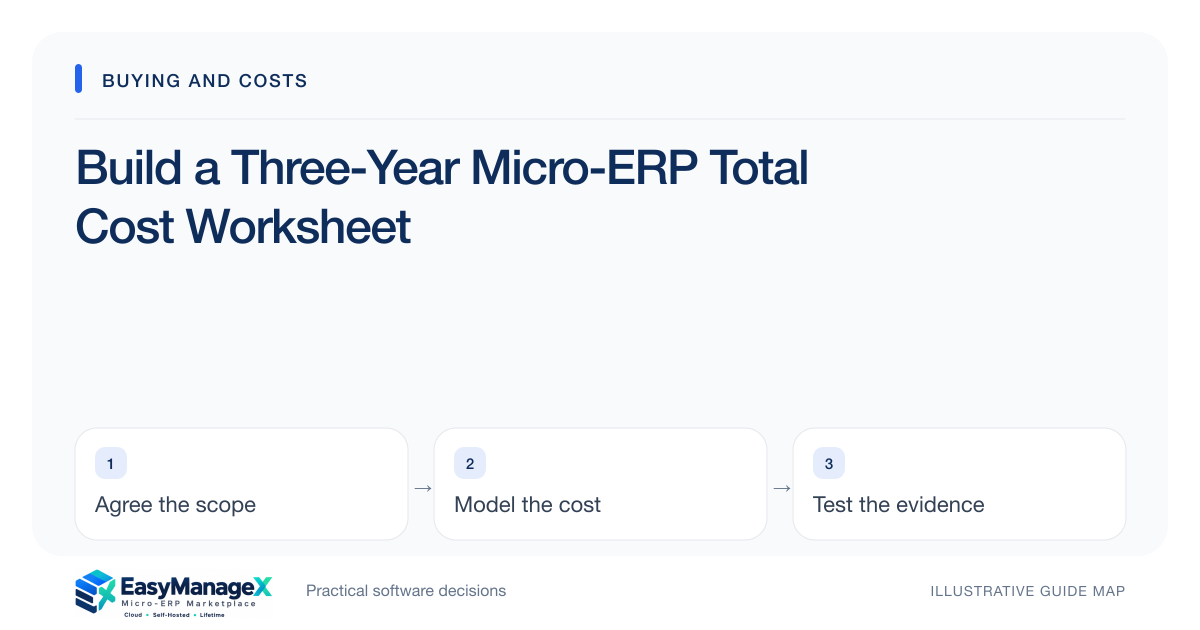
Compare micro-ERP proposals over the same planning period and workload. Include software charges, implementation, hosting, support, integration maintenance, internal staff time and exit costs. Separate confirmed quotes from assumptions, and model a growth case. An inexpensive licence can still require substantial operational effort that belongs in the comparison.
- Use the same user and transaction assumptions for every candidate.
- Show internal effort beside supplier charges.
- Calculate a growth case before treating a quote as affordable.
Set comparable assumptions
Choose a planning period and write the workload behind it: named users, concurrent operators, locations, storage and transaction volumes. Include expected seasonality. A quote for five occasional users cannot be compared fairly with one covering fifteen daily operators and two warehouses.
Record the currency and whether amounts include applicable taxes, but obtain tax treatment from your qualified adviser. Keep renewal assumptions visible. If future pricing is unknown, label it unknown and run a sensitivity range instead of presenting a guessed increase as a contractual obligation.
Separate recurring and transition costs
List recurring licence, hosting, backup, monitoring and support charges in one part of the worksheet. Put configuration, migration, training and initial integration work in another. A supplier’s setup charge may cover only account creation, so ask exactly which deliverables are included.
Add hardware or connectivity changes only where the operating design requires them. A barcode scanner replacement, spare checkout device or improved connection may have value beyond this project. Show that shared use so the comparison does not unfairly charge one candidate with unrelated infrastructure renewal.
Include the team’s time
Estimate hours for data cleanup, test execution, training and administration, then multiply by an agreed internal planning rate. This is a budgeting method, not a claim that every hour creates a cash expense. It makes the opportunity cost of assigning busy staff visible.
Separate one-time effort from ongoing ownership. A self-hosted option may need patching and restore testing; a hosted option may still need account reviews and reconciliation. Ask who performs each task and whether their time has already been included elsewhere to avoid double counting.
Work an illustrative model
Illustrative figures only: suppose a subscription costs ₹6,000 monthly, setup costs ₹45,000 and training takes 40 hours at an internal ₹500 hourly rate. Before other items, three years total ₹281,000: ₹216,000 recurring, ₹45,000 setup and ₹20,000 internal effort.
This is not EasyManageX pricing or a vendor estimate. Add actual integration, support and exit quotes before deciding. Run a second case with more users and another location; the preferred candidate may change if its price basis grows with records, branches or transactions.
Model uncertainty instead of hiding it
Create low, expected and high cases for unresolved work such as data cleansing or interface maintenance. Attach the reason for each range. If historical item codes are inconsistent, migration effort deserves a wider range than a well-defined export with stable identifiers.
Ask vendors to identify what triggers additional charges: custom reports, version upgrades, support outside working hours or larger attachment storage. An unexplained estimate should remain a question, not silently become zero. A comparison with honest unknowns is more useful than a neat but incomplete total.
Connect cost to acceptance
Link significant spending to measurable deliverables. Migration payment can correspond to reconciled balances; integration work can correspond to a demonstrated retry and recovery test. Commercial terms require their own review, but operational acceptance helps establish what the budget is supposed to buy.
Finish with affordability, staffing and dependency conclusions rather than a single winner based on price. A candidate is affordable only when the organization can fund it and operate it. Keep the worksheet updated during implementation so changes are visible before they consume the contingency.
Your working checklist
- Define identical workload assumptions.
- Separate recurring and initial expenses.
- Label every unquoted figure.
- Estimate internal ownership hours.
- Calculate expected and growth scenarios.
- Add export and exit work.
- Review cost changes at each gate.
Common questions
Does a total cost worksheet predict the final bill?+
It supports planning and comparison rather than guaranteeing a final amount. Quotes, contract terms and actual workload determine charges. Keep confidence labels beside each line, record exclusions and revisit uncertain items when demonstrations or migration trials reveal more about the work required.
Should internal staff time count as a cost?+
Yes, if the purpose is to compare organizational effort. Record it separately from external cash expenditure so finance can interpret it correctly. Staff time matters when training, cleanup or administration competes with revenue work, even when payroll spending does not immediately change.
Is a three-year period always best?+
Use a period that matches your decision horizon and commercial commitments. Three years is a useful illustrative basis, but a short project or long equipment lifecycle may need another period. Compare every option consistently and examine the effect of growth and exit timing.
Sources and further reading
These primary references explain relevant concepts. Our scenarios and working checklists are original, illustrative guidance.
- AWS Well-Architected Cost Optimization Pillar
Cost ownership and measuring resource spending, not ERP price benchmarks.
Published by EasyManageX as practical, AI-assisted guidance. Examples are illustrative. Confirm software capabilities, licence terms and project-specific requirements before committing. Read our editorial policy.