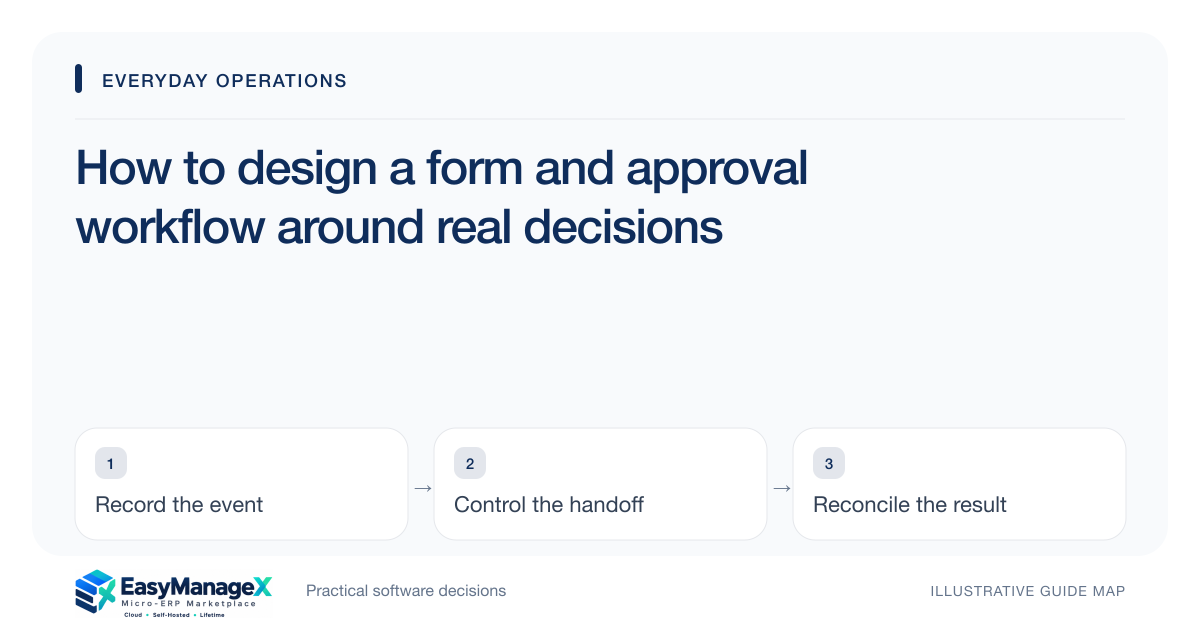
Design an approval workflow by naming the decision, required evidence and authorised reviewer before choosing form fields or automation. Collect only information that supports that decision. Define rejected, returned and amended cases as well as approval. A form submission records a request; it should not be mistaken for authorisation or evidence that the requested action occurred.
- Collect fields that support an identifiable decision.
- Define approval authority and amendment triggers.
- Keep returned requests distinguishable from rejected ones.
Name the decision the form supports
A form can request expenditure, an access change or a service adjustment, but the decision behind it must be explicit. Identify the approver’s question and the evidence needed to answer it. Remove fields that are collected merely because earlier forms contained them.
Explain mandatory information in plain language. A helpful field label and specific error message can prevent repeated clarification. Consider keyboard use and readable instructions during evaluation, especially when people submit requests on different devices or with assistive technology.
Distinguish review outcomes
Approve authorises a defined action. Reject declines it. Return requests missing information without necessarily declining the underlying need. Keeping these meanings separate prevents the requester from guessing whether to amend the same record or start again.
Specify how resubmission works and which parts can change. A material change after approval may require another review. Retain the prior decision and revised request so the current approval remains connected to the evidence that justified it.
Illustrative scenario: an equipment access request
An illustrative training academy collects requests to use specialist equipment. The requester supplies the activity, time and required resources. The reviewer returns one request because supervision details are missing, while another is rejected because the equipment is unavailable.
The first requester adds the supervisor and resubmits. Approval records the accepted time and conditions. When the requester later changes the activity, the process checks whether that amendment falls within the original approval rather than assuming the approval covers every future use.
Connect approval to execution evidence
After approval, identify who carries out the action and what confirms completion. Approved expenditure may still await purchasing; an approved access request may still require account provisioning. The workflow should expose that pending handoff instead of equating approval with fulfilment.
Define how cancellation works before and after execution. A cancelled request can release resources or stop work, but completed actions may need a separate reversal or follow-up. Preserve enough history to explain the outcome without collecting unnecessary sensitive information.
Evaluate exceptions and the decision trail
Demonstrate a delegated approver, returned submission, approved amendment and cancelled request. Ask a reviewer to reconstruct the decision using the record. The relevant evidence includes actor, timing, accepted conditions and subsequent action, not simply an approved label.
Ask a requester, reviewer and executor to explain the same returned and amended submission. Test their permitted actions and the messages they see when evidence is missing. The chosen process should establish decision authority and execution responsibility without using a successful submission screen as proof that authorisation occurred.
Your working checklist
- Name the decision and evidence needed.
- Remove unnecessary form fields.
- Define reviewer authority by request type.
- Document delegation scope and dates.
- Specify return and resubmission rules.
- Link approval to execution confirmation.
Common questions
Should every submitted request require approval?+
Only when an identifiable authority decision is necessary. Some submissions need validation or routing rather than permission. Separate those purposes so reviewers are not asked to approve routine information unnecessarily. Design each workflow around the decision and consequences instead of applying the same approval chain to every form.
What is the difference between returning and rejecting a request?+
Returning asks the requester to clarify or supply missing evidence; rejecting declines the request under the stated conditions. Clear outcomes help people choose the next action. Preserve the reason and explain whether an amended submission can continue under the same reference or requires a new decision.
Can approval remain valid after a request changes?+
It depends on what the original decision authorised. Define material amendments that trigger review, such as a different resource, larger commitment or changed purpose. Preserve the approved version and accepted conditions so the reviewer can assess the amendment without reconstructing the original request from memory.
Sources and further reading
These primary references explain relevant concepts. Our scenarios and working checklists are original, illustrative guidance.
- OWASP Authorization Cheat Sheet
Primary guidance on verifying approval authority and enforcing access decisions.
- W3C Web Content Accessibility Guidelines 2.2
Primary guidance relevant to understandable, accessible request forms.
Published by EasyManageX as practical, AI-assisted guidance. Examples are illustrative. Confirm software capabilities, licence terms and project-specific requirements before committing. Read our editorial policy.