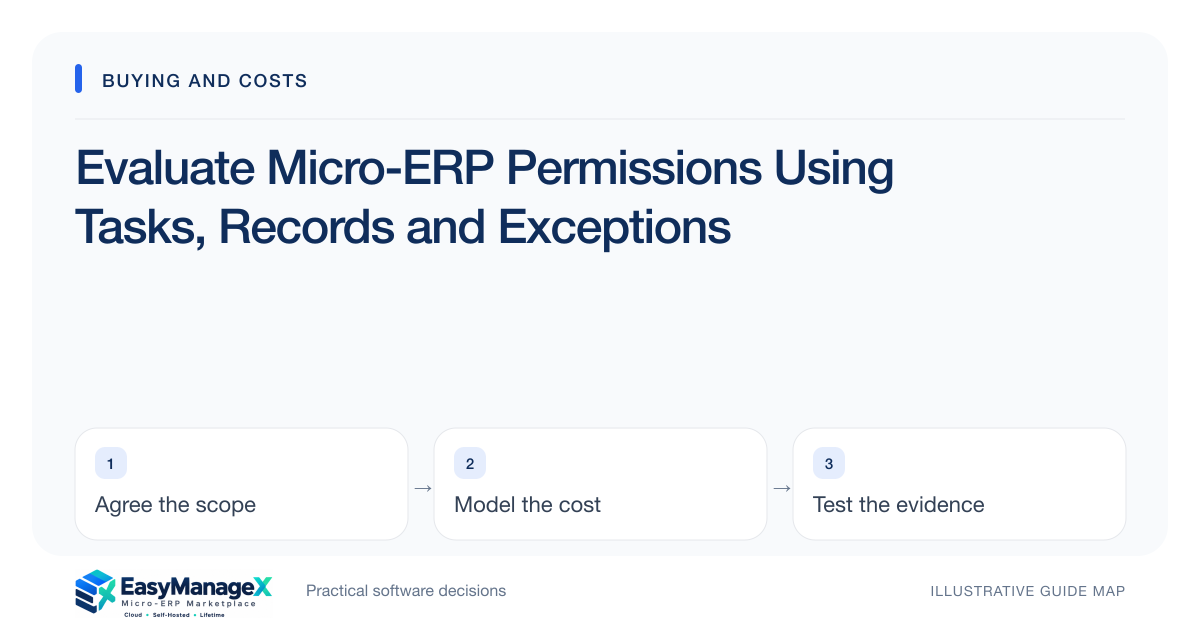
Permissions should reflect what each role can do to which records, under which conditions. Build a task matrix, then test permitted and forbidden actions using normal accounts. Include branch visibility, exports, approvals and account removal. A list of role names is insufficient evidence that sensitive workflows and separation of duties are enforced.
- Test record boundaries as well as menu visibility.
- Include exports and corrections in the access matrix.
- Verify account removal and integration permissions.
Build a task-based matrix
List real tasks such as creating a request, editing an order, approving spending and exporting records. For each role, mark allowed, forbidden and conditional actions. Include which location or team records the role may access. This is clearer than a broad administrator versus employee distinction.
Ask process owners to resolve conflicts before the demonstration. Someone may need to correct quantities but should not approve their own request. Record those conditions explicitly. The matrix becomes a candidate-evaluation tool and later provides a baseline for configured-environment acceptance and periodic account reviews.
Include exceptions and privileged actions
Corrections, bulk imports, refunds, cancellations and role changes can bypass assumptions built around normal entry screens. Decide which role performs them and what review is required. A supervisor role may need narrow exception authority rather than unrestricted access to every financial or staff record.
Ask who can create administrators and how emergency access is handled. Request an account lifecycle demonstration: invite, role change, removal and session behavior after removal. Include service accounts used by integrations, since their permissions may expose a larger record set than any ordinary user.
Test an illustrative branch boundary
Illustrative scenario: a business has two service teams, each assigned its own customer jobs. A coordinator should assign local work but not view another team’s private notes. The trial checks list views, job links, search and a downloaded report using that coordinator’s account.
A separate supervisor verifies cross-team visibility where authorized. This prevents a false conclusion that all access is restricted simply because one list is filtered. The test records exactly which behavior was observed and which export or attachment paths remain awaiting candidate evidence.
Ask for usable audit evidence
When important changes occur, determine whether the responsible person, record and change can be understood later. Audit needs vary by workflow; do not assume every click must be retained. Ask how access to logs is controlled and how sensitive values are excluded from unnecessary diagnostic output.
A log is useful only if an authorized owner can find and interpret it. Test a corrected record or permission change and ask the owner to explain what happened. Avoid claiming that a history panel proves a security certification or meets a jurisdiction-specific obligation without appropriate review.
Carry the matrix into operation
Once a candidate is selected, configure the same matrix in the actual environment and retest after significant changes. Assign ownership for joiners, leavers and temporary access. Schedule review based on business changes rather than relying on a one-time setup that gradually becomes inaccurate.
Use EasyManageX solution categories to locate workflows requiring role separation, then confirm actual application capabilities. Catalogue descriptions are illustrative. Approval and record-access requirements should remain explicit purchasing conditions when they affect whether the organization can safely operate the proposed workflow.
Your working checklist
- List tasks and record boundaries.
- Define conditional approval rules.
- Test permitted and forbidden actions.
- Check search, links and exports.
- Verify correction and bulk-import roles.
- Demonstrate account removal.
- Assign recurring access-review ownership.
Common questions
Are more roles always better?+
More role names do not necessarily improve control. Prefer a small understandable set mapped to real responsibilities, with clear record boundaries and exceptions. Too many overlapping roles can make it difficult to understand effective access and maintain the configuration when staff responsibilities change.
Can one person both create and approve a request?+
Your organization must decide the appropriate control for that workflow and risk. If separation is required, verify that the candidate enforces it for normal and exceptional paths. Do not assume two visible roles prevent self-approval when a user holds both or has administrator access.
Do exports need separate permission tests?+
Yes, when they contain records or fields beyond what users should access. A filtered screen and a full-data download can behave differently. Include reporting, attachments and bulk actions in the matrix, then test with the actual role and synthetic records before relying on the configuration.
Sources and further reading
These primary references explain relevant concepts. Our scenarios and working checklists are original, illustrative guidance.
- OWASP Authorization Cheat Sheet
Least privilege, deny by default and permission verification.
- OWASP Logging Cheat Sheet
Audit event design and sensitive data exclusions.
Published by EasyManageX as practical, AI-assisted guidance. Examples are illustrative. Confirm software capabilities, licence terms and project-specific requirements before committing. Read our editorial policy.