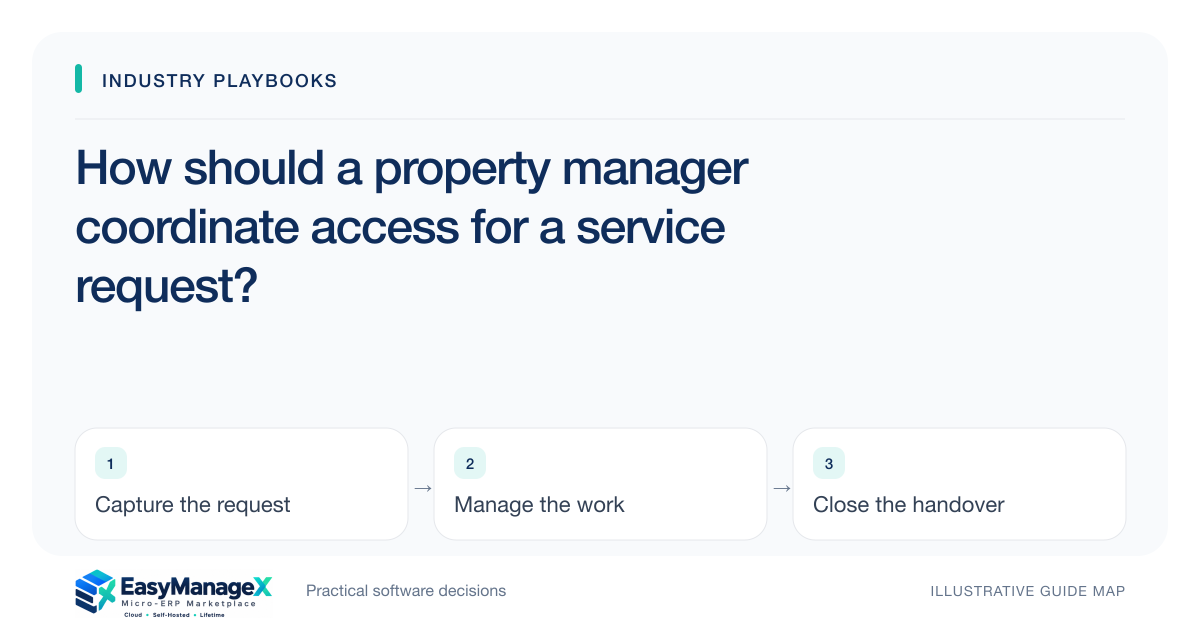
A property service request should identify the unit, reported issue and responsible coordinator, then track the authorised access arrangement separately from the repair task. Give contractors only the information needed for their assignment. Record attendance, unresolved access and the resident-facing update so a completed visit does not automatically imply that the reported issue is resolved.
- Access arrangements and service completion are separate.
- Share only assignment-relevant resident information.
- A contractor visit needs an outcome and follow-up owner.
Identify the request without collecting excess detail
Use property and unit references alongside the resident’s reported issue and contact preference. Record plain observations rather than an assumed diagnosis. Staff should know which unit the work concerns without copying an entire resident profile into a service ticket.
Distinguish the request origin and the person responsible for coordination. An issue reported by a concierge may require different follow-up from one reported directly by the resident. Keep the original report reference so later communication can explain what was actually requested.
Separate authorised access from the work schedule
A planned visit needs an access arrangement confirmed through the manager’s established process. Record the relevant window, coordinator and confirmation state. A contractor’s availability does not establish that access is authorised or that a resident has accepted the proposed time.
Limit access instructions to roles that require them and use the appropriate handling procedures. Avoid placing sensitive access details in broadly visible notes or routine exports. The assignment can usually show whether access is confirmed without exposing information unrelated to the contractor’s visit.
Record visit outcomes precisely
A contractor attending the property is one event; the service outcome is another. Use states that distinguish access unavailable, work assessed, work performed and further review required. The coordinator should see the actual next action rather than a generic completed appointment.
Technical decisions belong to the appropriate qualified service personnel. The manager’s record can link their findings and authorised follow-up without interpreting a symptom as a confirmed repair method. Keep resident communication separate from the contractor’s detailed technical notes where roles require different information.
Illustrative scenario: a contractor cannot enter a unit
Imagine a service appointment is scheduled, but the confirmed access arrangement changes before the visit. The coordinator records the exception and contacts the relevant parties. The contractor’s attendance is retained while the service request remains open with a new access follow-up owner.
A later authorised visit records its outcome and the resident-facing update. This illustrative scenario explains coordination; it does not determine tenancy rights, permission rules, repair liability or technical safety requirements for a particular property or jurisdiction.
Keep resident updates connected to the case
Record the confirmed outcome communicated to the resident, its date and the relevant reference. If a request remains unresolved, explain the next responsible action through your established communication process. Do not let an appointment reminder appear to be a completion notice.
Review cases with attended visits but no recorded service decision, and cases waiting for access confirmation. They require different follow-up. A useful queue assigns ownership rather than measuring the team only by how many appointments were closed during the day.
Evaluate an access failure and repeat visit
Ask a demonstrator to schedule a visit, withdraw the access confirmation and record an attended-but-unresolved outcome. Inspect the contractor and resident-service views separately. Both should identify their next action without exposing unnecessary personal information.
EasyManageX entries are illustrative. Verify unit references, permission boundaries and repeat-visit history using anonymised samples. A small property pilot helps establish what coordinators need to maintain before the workflow expands across buildings with different access and contractor arrangements.
Your working checklist
- Define property and unit identifiers.
- Record request origin and coordinator.
- Separate access confirmation from visit scheduling.
- Restrict access and resident information.
- Distinguish attendance from service outcome.
- Test an access failure followed by a repeat visit.
Common questions
Does a booked visit mean access is authorised?+
Use the manager’s established process to confirm the appropriate access arrangement. A booking records a proposed or agreed time, but it does not independently establish permission. Keep confirmation and responsibility visible so contractors do not infer access from an appointment alone.
Can a contractor close the whole resident request?+
A contractor can record the outcome within the authority assigned to their role. The coordinator may still need a resident update or further review. Separate the visit task from the overall request so completing attendance does not erase unresolved communication or additional service work.
What should a contractor see about the resident?+
Provide the assignment-relevant contact and access information permitted by your process, while restricting unrelated personal details. Review search, attachment and export access as well as the work-order screen. Clear role boundaries help the coordinator communicate effectively without sharing the full resident record.
Sources and further reading
These primary references explain relevant concepts. Our scenarios and working checklists are original, illustrative guidance.
- OWASP Authorization Cheat Sheet
Access-control principles for limiting resident information and access instructions to the roles involved in a property-service assignment.
Published by EasyManageX as practical, AI-assisted guidance. Examples are illustrative. Confirm software capabilities, licence terms and project-specific requirements before committing. Read our editorial policy.