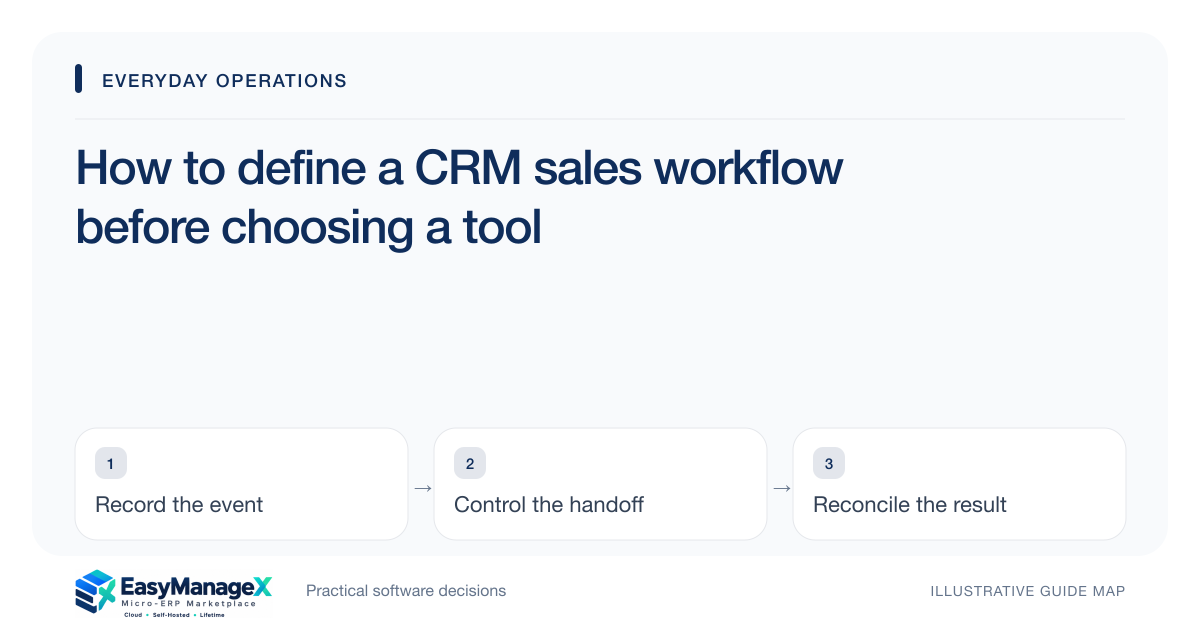
A useful CRM workflow records who owns an opportunity, what evidence justifies its stage, and the next agreed action. Start with the actual sales conversation rather than a long feature list. Write entry and exit conditions for each stage, then evaluate whether a candidate tool can demonstrate those conditions with representative records.
- Give every active opportunity one accountable owner.
- Move stages using observable customer evidence.
- Record a dated next action before ending a sales review.
Separate people from opportunities
A contact can participate in several potential purchases, while an opportunity describes one commercial decision. Keep those concepts separate in your requirements. Record the organisation, participating people, requested outcome, estimated timing and opportunity owner without repeatedly creating the same contact.
Decide how referrals, existing accounts and unsolicited enquiries enter the workflow. A source field helps explain where conversations began, but it should not automatically decide their quality. Qualification still needs a conversation and an explicit assessment.
Give stages a verifiable meaning
A stage called interested is difficult to review because different sellers interpret it differently. Prefer evidence such as discovery completed, proposal requested or decision meeting agreed. Define what must be recorded before a seller advances an opportunity and who resolves disagreements.
Limit the initial pipeline to stages that change the next action. Adding separate stages for every email creates maintenance without improving decisions. Document lost and paused outcomes so an inactive opportunity does not masquerade as current demand.
Make follow-up commitments useful
A follow-up should contain an owner, a due date and a specific purpose. Call customer is weaker than confirm who will approve the revised scope. Include the last meaningful interaction so another team member can continue the conversation without reconstructing every message.
Set a review routine for overdue commitments. An overdue action might need reassignment, a new date agreed with the customer, or closure of the opportunity. Treat reminders as prompts for a decision instead of repeatedly moving dates forward.
Illustrative scenario: an agency enquiry
An illustrative consultancy receives a website enquiry from an operations manager. The seller records the manager as a contact and creates an opportunity for a specific project. Discovery reveals that finance must approve the budget and that the launch date is still tentative.
The team keeps the opportunity in discovery until the decision process is understood. Its next action is a scope discussion with both stakeholders. This preserves useful momentum without treating a friendly conversation as an approved proposal or a dependable forecast.
Agree the delivery handoff
A won opportunity should provide enough information for delivery to accept the work: agreed scope, exclusions, responsible customer contact, acceptance conditions and commercial references. Decide which details belong in the project record and which remain in the sales history.
Use an acceptance step for the receiving team. If delivery discovers an unresolved assumption, keep a visible issue with an owner instead of silently changing the scope. Sales completion and delivery readiness are related decisions with different evidence.
Evaluate with imperfect sample records
Ask candidate tools to demonstrate a duplicate contact, an overdue follow-up, a reassigned opportunity and a won deal with incomplete handoff details. These cases reveal operational fit more clearly than a polished empty pipeline demonstration.
Compare shortlisted workflows using the same sample opportunities and ask sellers and delivery colleagues to review the resulting records. Confirm that ownership, stage evidence and the accepted handoff remain visible. A demonstration should answer the documented requirements rather than substitute a generic pipeline tour for them.
Your working checklist
- List current lead entry channels.
- Define evidence for each pipeline stage.
- Assign one owner to each active opportunity.
- Write the next action and agreed date.
- Specify required delivery handoff fields.
- Test reassignment and duplicate records.
Common questions
How many CRM stages should a small team use?+
Use enough stages to distinguish decisions that need different actions or evidence. Begin with the stages your team already understands, then remove those that do not change a review conversation. A shorter pipeline maintained consistently is more useful than a detailed pipeline that sellers interpret differently.
Should every enquiry become an opportunity?+
Not necessarily. Keep an enquiry record until there is a specific potential purchase or project worth managing. Document the conversion rule so enquiries are neither forgotten nor counted as active demand prematurely. The appropriate threshold depends on your sales cycle and the cost of qualification.
Can a CRM replace the project handoff?+
A CRM can supply important context, but the handoff still needs agreed responsibilities and receiving-team acceptance. Ask whether the candidate system can preserve the accepted scope and reference linked work records. Do not assume a catalogue listing proves a complete sales-to-delivery integration.
Sources and further reading
These primary references explain relevant concepts. Our scenarios and working checklists are original, illustrative guidance.
- ERPNext documentation: Lead
Further reading on lead records, follow-up context and conversion to an opportunity.
- ERPNext documentation: Project
Further reading on connecting sales context with project work.
Published by EasyManageX as practical, AI-assisted guidance. Examples are illustrative. Confirm software capabilities, licence terms and project-specific requirements before committing. Read our editorial policy.